
Amdox IWB
AIによる高精度タッチインタラクションと、マルチメディア・教育機能を統合。
授業の発想を自然に広げ、複雑な内容も分かりやすく伝える。
教師が没入感のある授業を構築できるよう支援し、すべての生徒の集中力と興味を引き出すことで、授業をより効率的かつ生き生きとしたものにする。
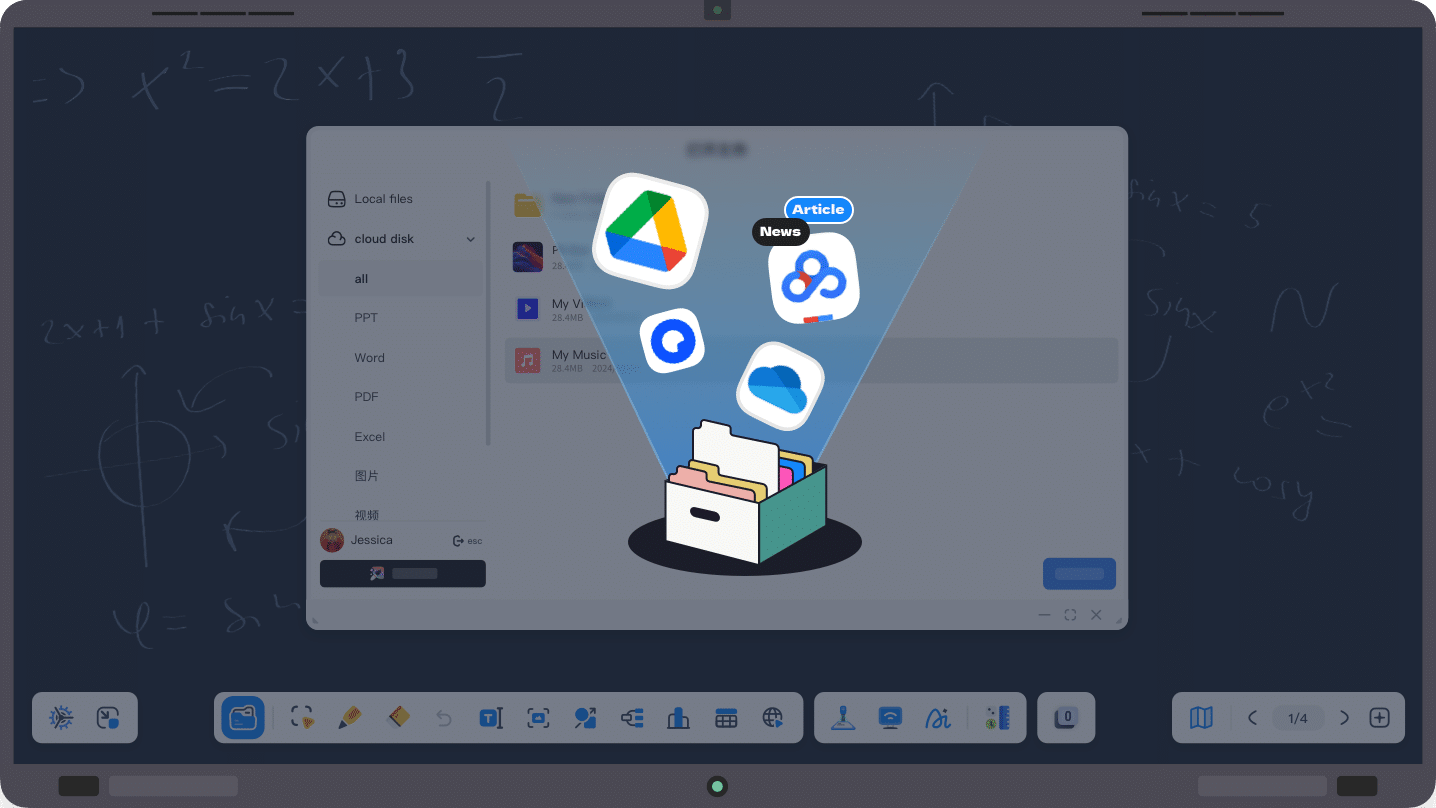
スマートクラウドスペース(Smart Cloud Space)
Google Drive や OneDrive などの外部クラウドサービスとシームレスに連携し、ワンクリックで個人のクラウドスペースへアクセス可能。 仮想フォルダ機能とクラウド同期により、教材や資料をいつでも・どこでも即座に取得できる。 常に最新のリソースを活用できるため、スムーズで効率的な授業運営を実現。
スマートライティング(Smart Writing)
先進的なマルチタッチ技術により、ツールを頻繁に切り替えることなく、ジェスチャー操作と書き込みを自然に行える。 AI手書き認識機能を搭載し、手書きの数式や文字をリアルタイムで整ったデジタル形式に変換。 関連資料のワンクリック検索にも対応し、多様な授業シーンにおける記述ニーズに的確に応え、操作効率と使用体験を大幅に向上させる。
スマートツールボックス(Smart Toolbox)
教師専用のインテリジェント教材ツールボックスとして、汎用ツールと教科別専門ツールを統合。 重点強化、注意喚起、比較学習、シミュレーション実験など、幅広い授業シーンをカバーする。ツールのカスタマイズや管理にも対応し、授業を多角的にサポートする。
クラスルームインタラクション(Classroom Interaction)
点呼、ランダム指名、クイズなどのリアルタイム双方向機能に対応。 全員参加を促進し、教室の雰囲気を活性化するとともに、生徒の集中度と参加意識を向上させる。リアルタイムデータを活用することで、授業の進行を柔軟に調整し、より深い双方向学習を実現する。
双画面授業・多様な表示モード
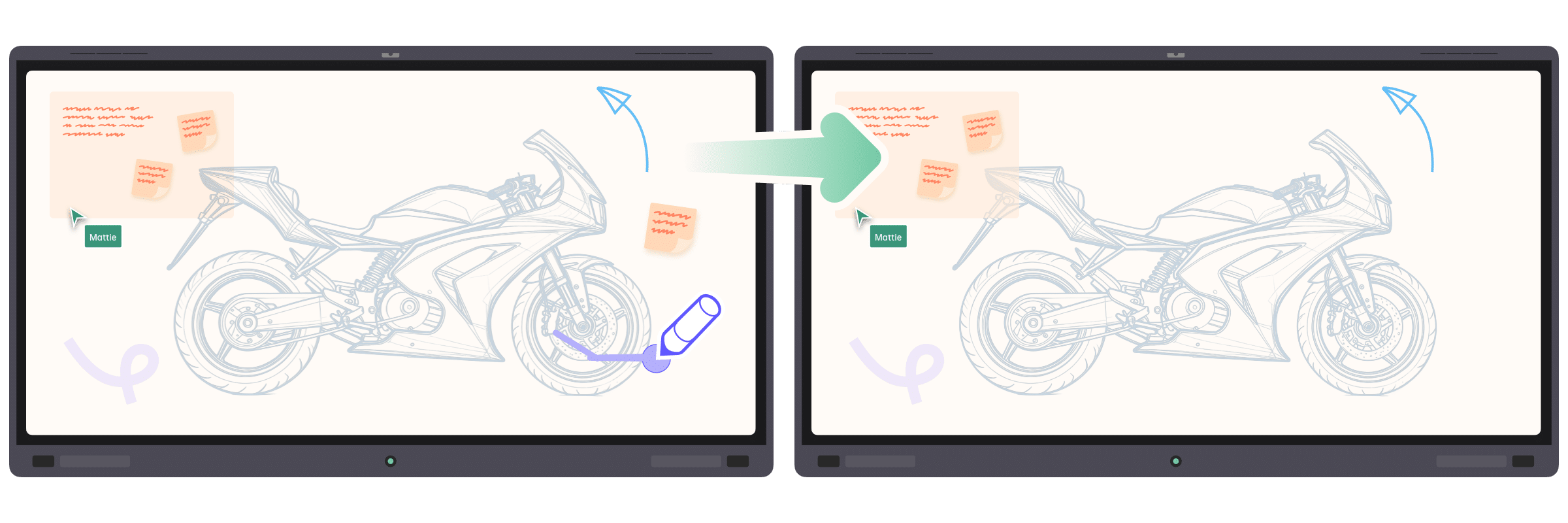
従来の単一画面授業の制約を超え、デュアルホワイトボードやデュアルPPT表示を実現。 メイン画面で新しい内容を説明しながら、副画面には前のページの重要ポイントを表示することで、「新しい内容の理解」と「復習」を並行して行える。学習進度と個々の理解度の差を両立し、教育効果を高める。
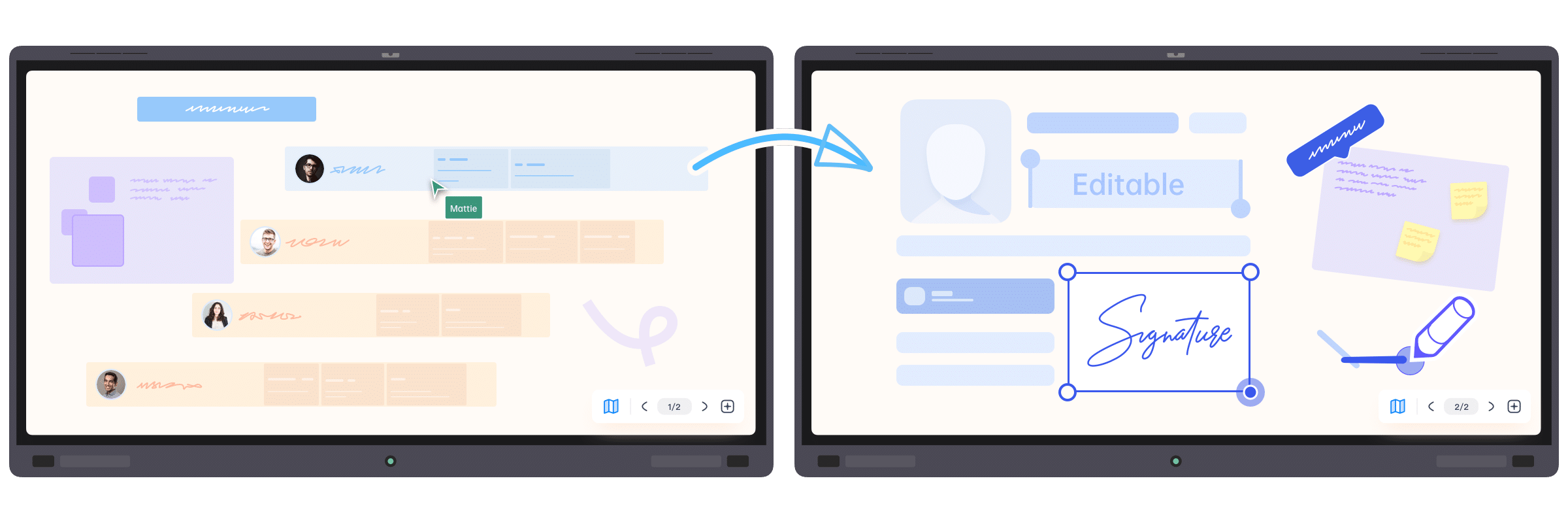
Go beyond single‑screen limits with dual whiteboards or dual PPTs to expand your content canvas. Teach new material on the main screen while the side screen retains prior key points, giving students time to catch up—balancing progress with individual pacing for better outcomes.
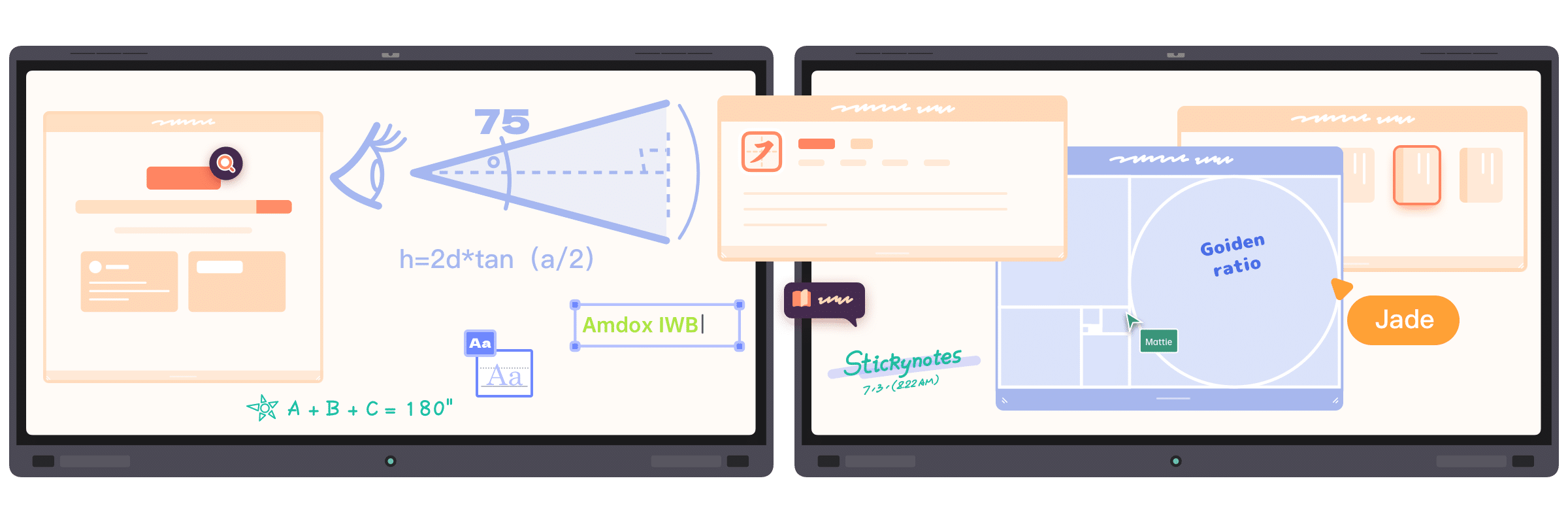
Present PPTs, whiteboards, and multimedia in parallel across screens. Explain core slides on the main display while annotating on the secondary whiteboard or playing videos/animations. Multitasking removes stop‑and‑switch friction, unifying lecture, interaction, and demo for smoother, richer, more immersive classes.


最適なプランを見つける
| Features | Advanced | |
|---|---|---|
| Cloud Sync | Amdox Cloud Drive | √ |
| Google Drive Integration | √ | |
| Microsoft OneDrive Integration | √ | |
| Baidu Cloud Integration | √ | |
| Canvas | Infinite Canvas | √ |
| Writing | √(Smart Writing is supported only on Andox-certified devices.) | |
| Smart Gestures | √(Available on Amdox-certified devices only) | |
| Element Insertion | √ | |
| AI Recognition | √ | |
| Teaching Tools | General Toolkits | √ |
| Subject-Specific Toolkits | √ | |
| Custom Tools | √ | |
| LMS | Login with Google and Microsoft Accounts | √ |
| Google Classroom Integration | √ | |
| Classroom Interaction Tools | Random Picker | √ |
| Quick Response (Buzz-In) | √ | |
| Quiz / Answer Submission | √ | |
| Polling / Voting | √ | |
| Student Feedback | √ | |
| Apps | Document Camera | √ |
| Screen Casting | √ | |
| AI Assistant | √ | |
| Web Browser | √ | |
| Dual-Screen Interaction | Synchronous Display | Subscription |
| Dual-Screen Collaboration | Subscription | |
| Screen Switching | Subscription | |
| Cross-Screen Interaction | Subscription | |
専門家に相談
どの製品・ソリューションが最適かお悩みですか?専門スタッフが無料でご相談を承ります。
-1.png)