AI READY
Virtual Studio Capture Classroom
Revolutionary virtual production creates a professional studio anywhere with intelligent interaction.
HD recording
Real-time interaction
Cloud storage
Intelligent analysis
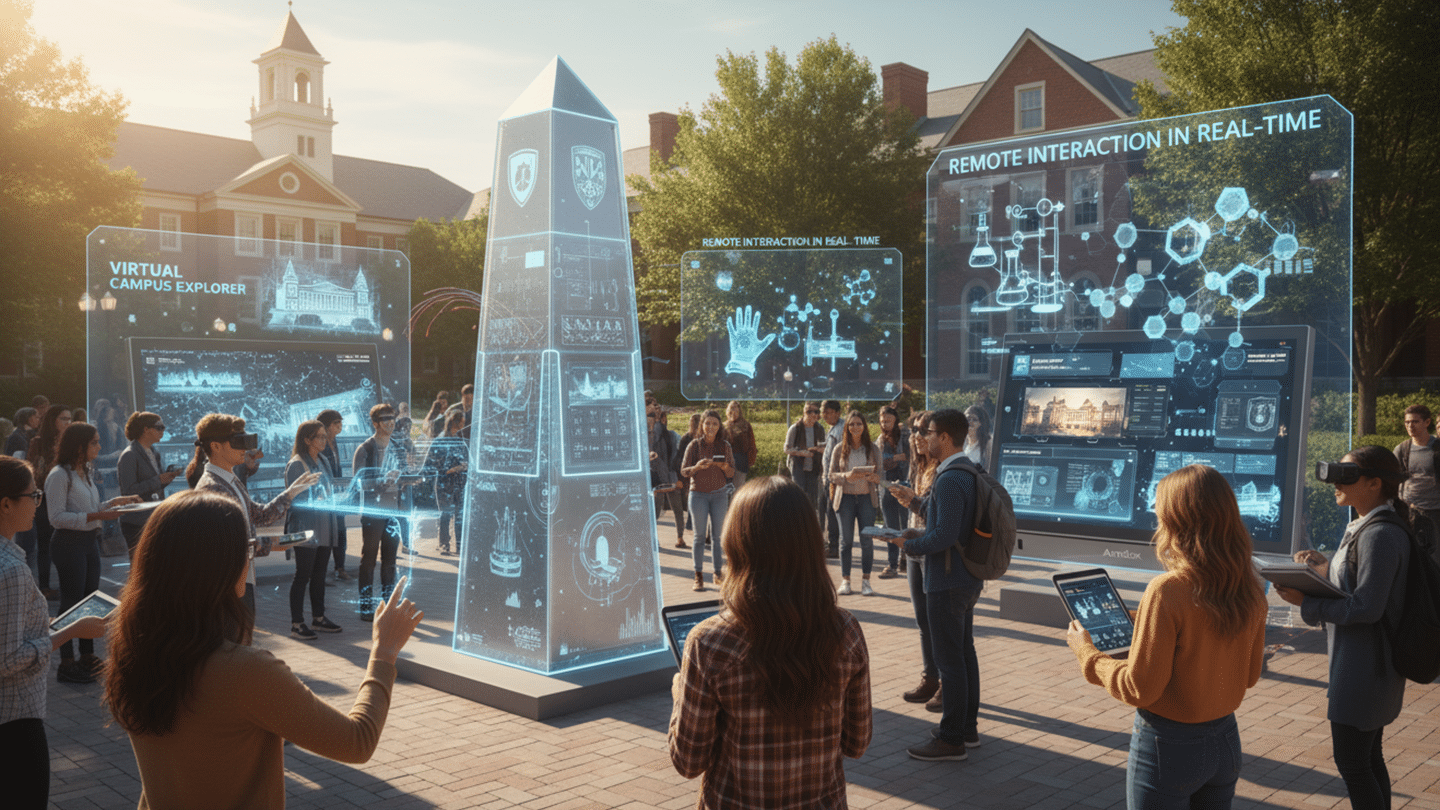
Campus News & Media
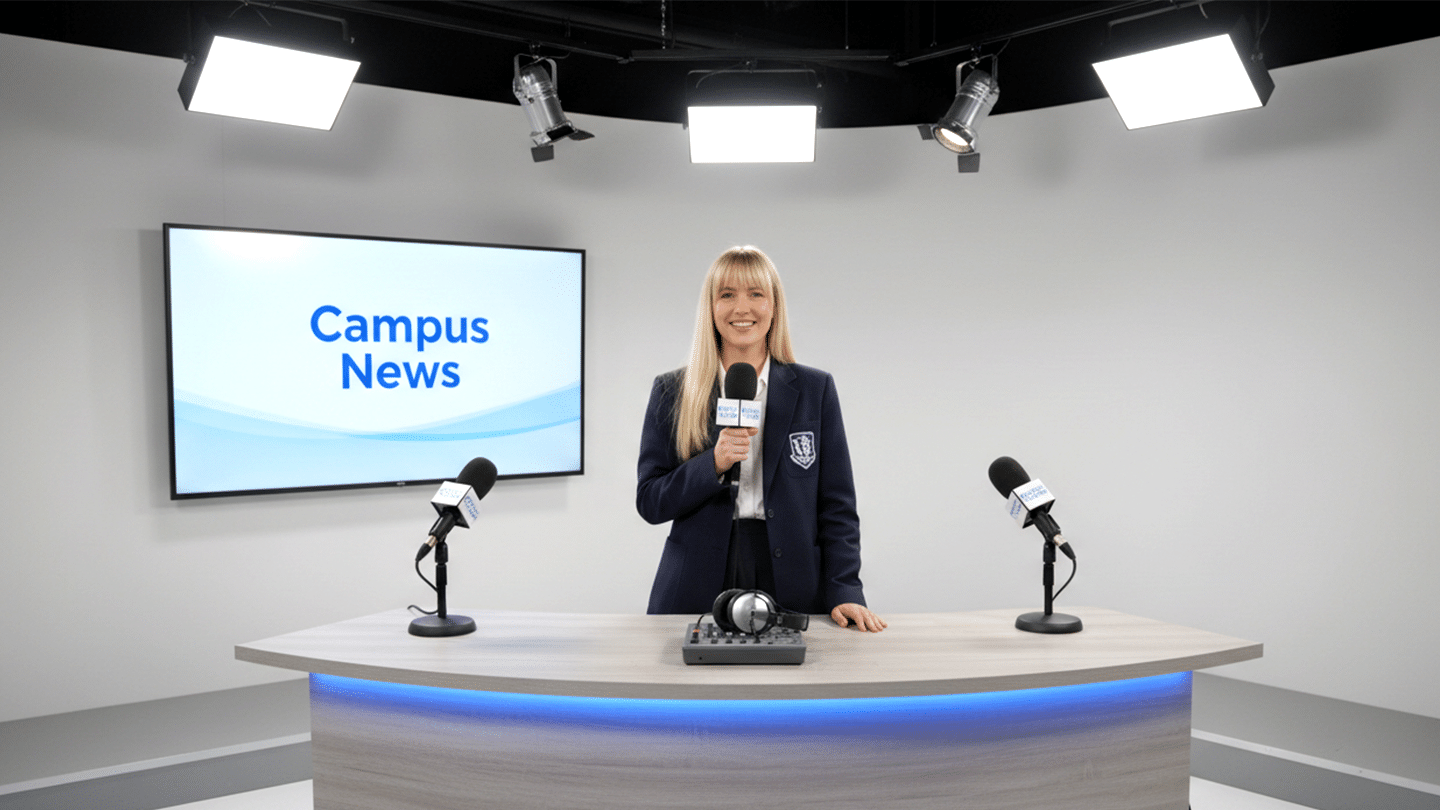
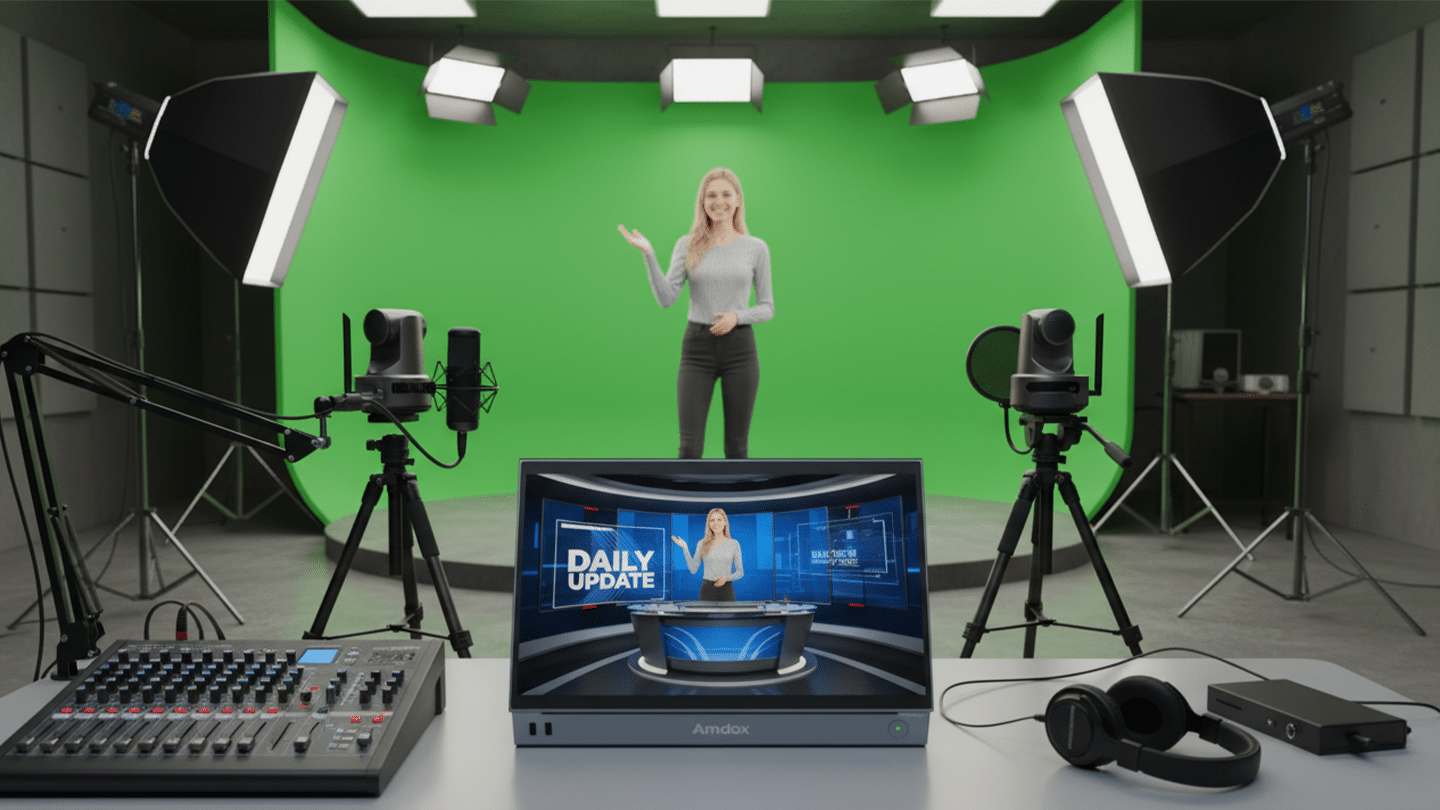
Student anchors can broadcast in front of virtual charts, present course content vividly, and visualize data in real time.
Showcase campus landmarks and tech elements. With AR, audiences can remotely control demos. Virtual campus or training scenes enhance storytelling.
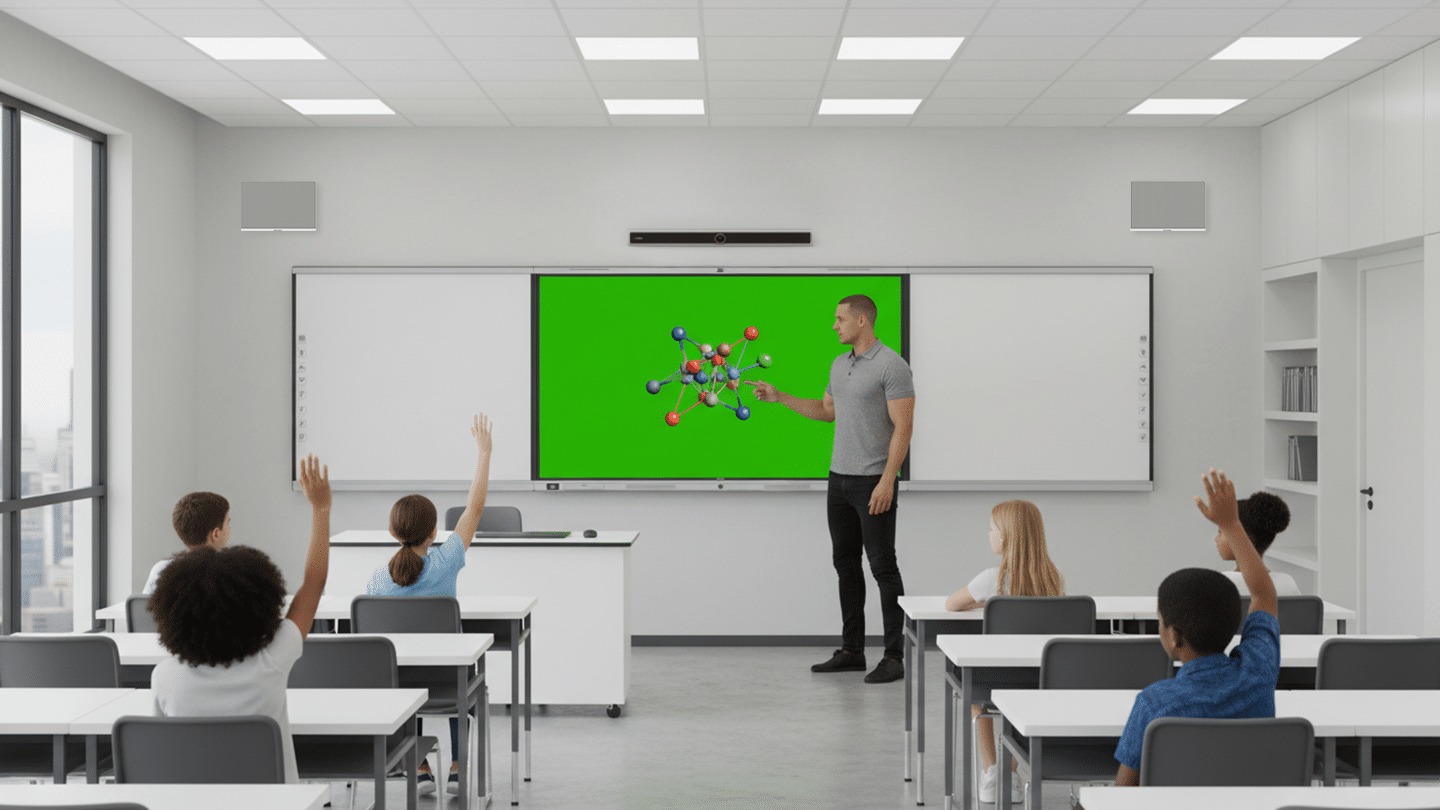
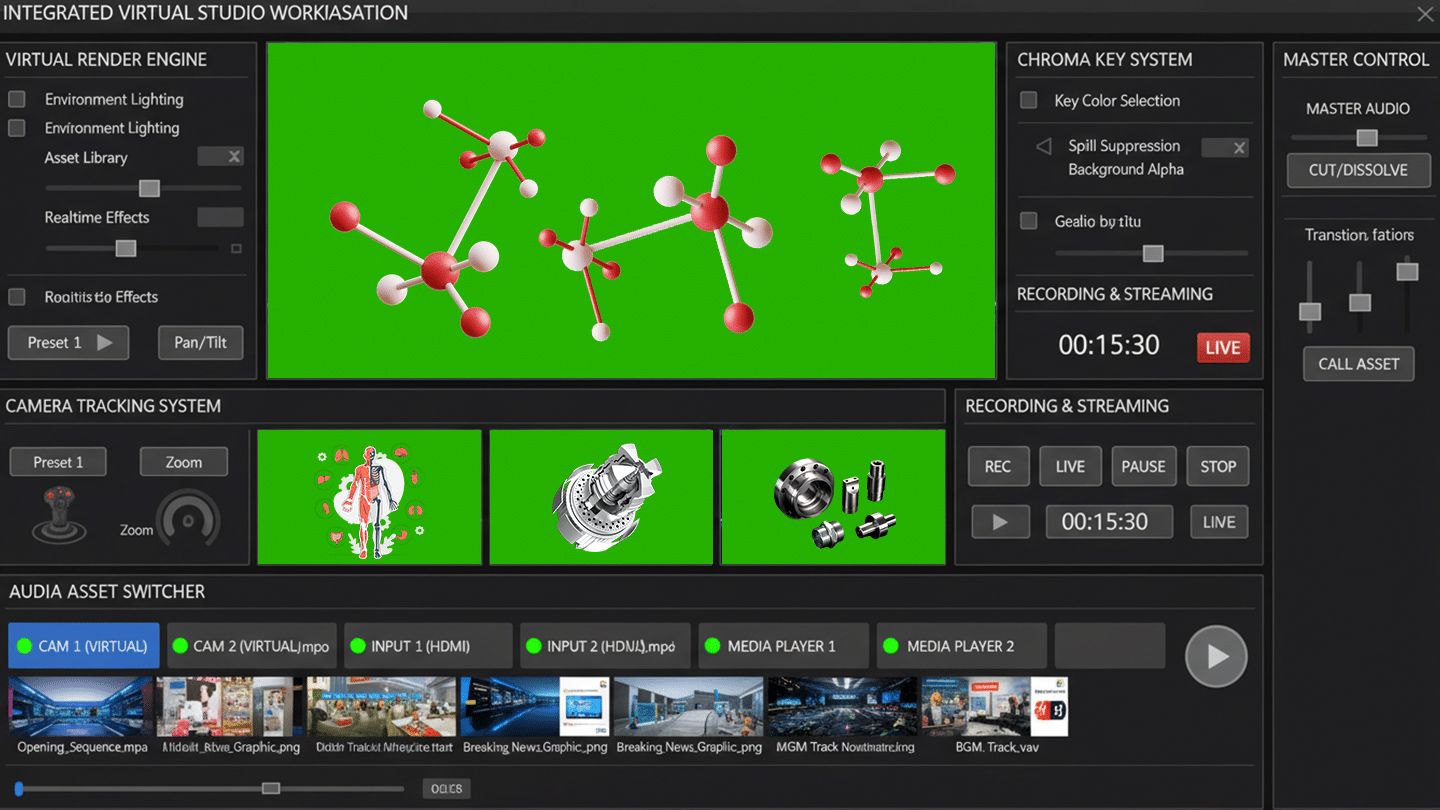
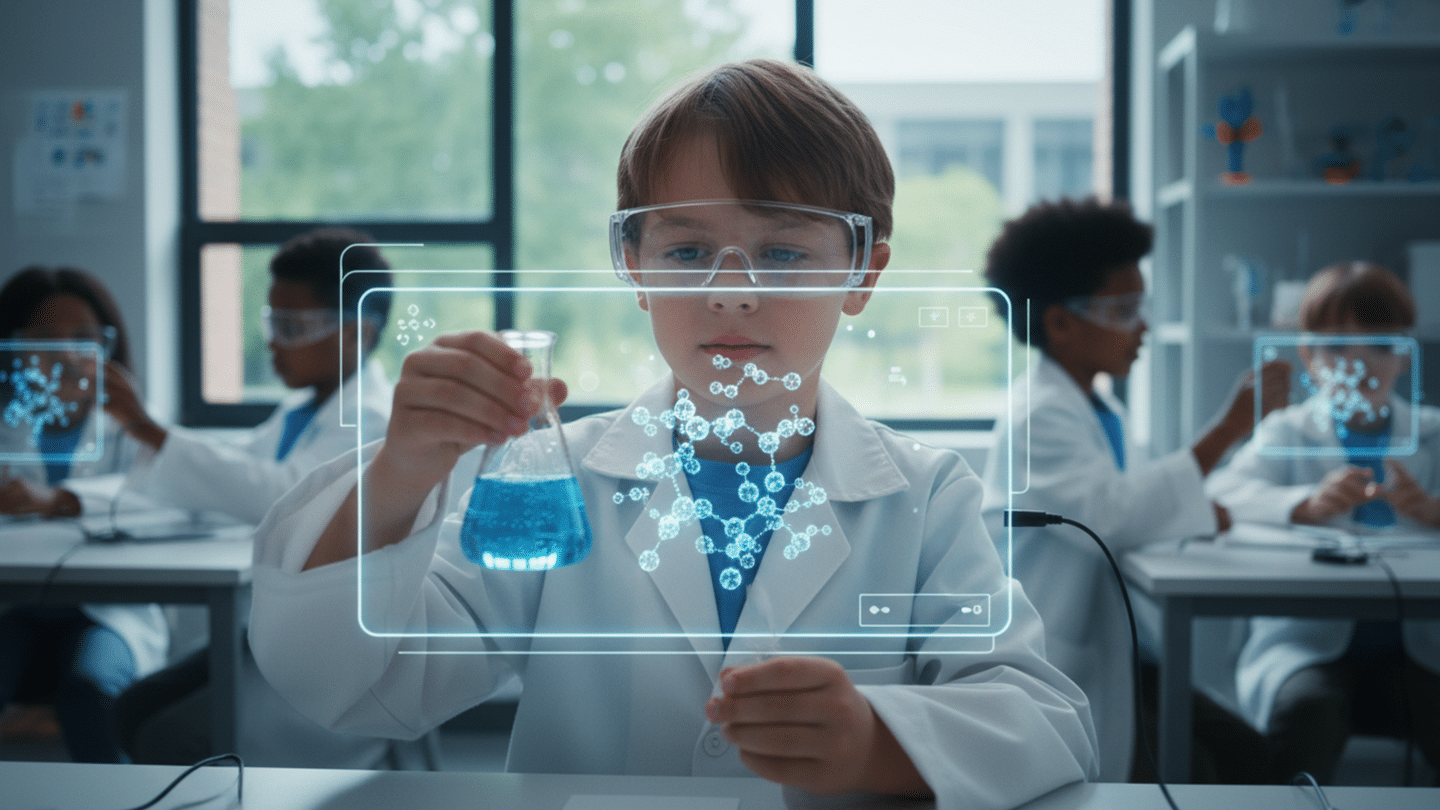
Virtual labs display molecular structures and astronomical phenomena with nested scenes. Students conduct interactive experiments in immersive environments.
Related Hardware
Complete Hardware Package for Recording Classrooms

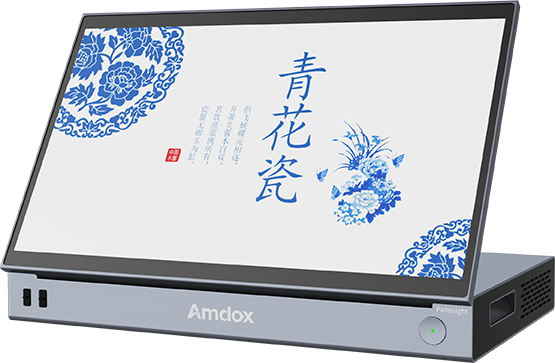
Mobile recording server
15.6" all-in-one touchscreen with built-in wireless transmission and battery. Supports recording, live streaming, and remote teaching.
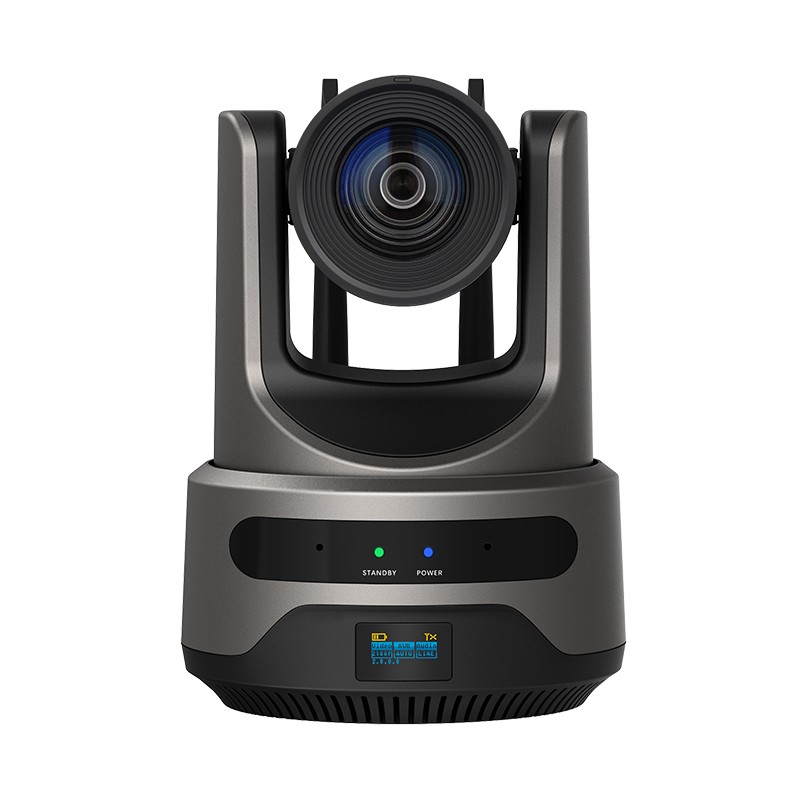
Wireless HD PTZ Camera
Built-in wireless module and battery with up to 200m wireless transmission for flexible deployment.
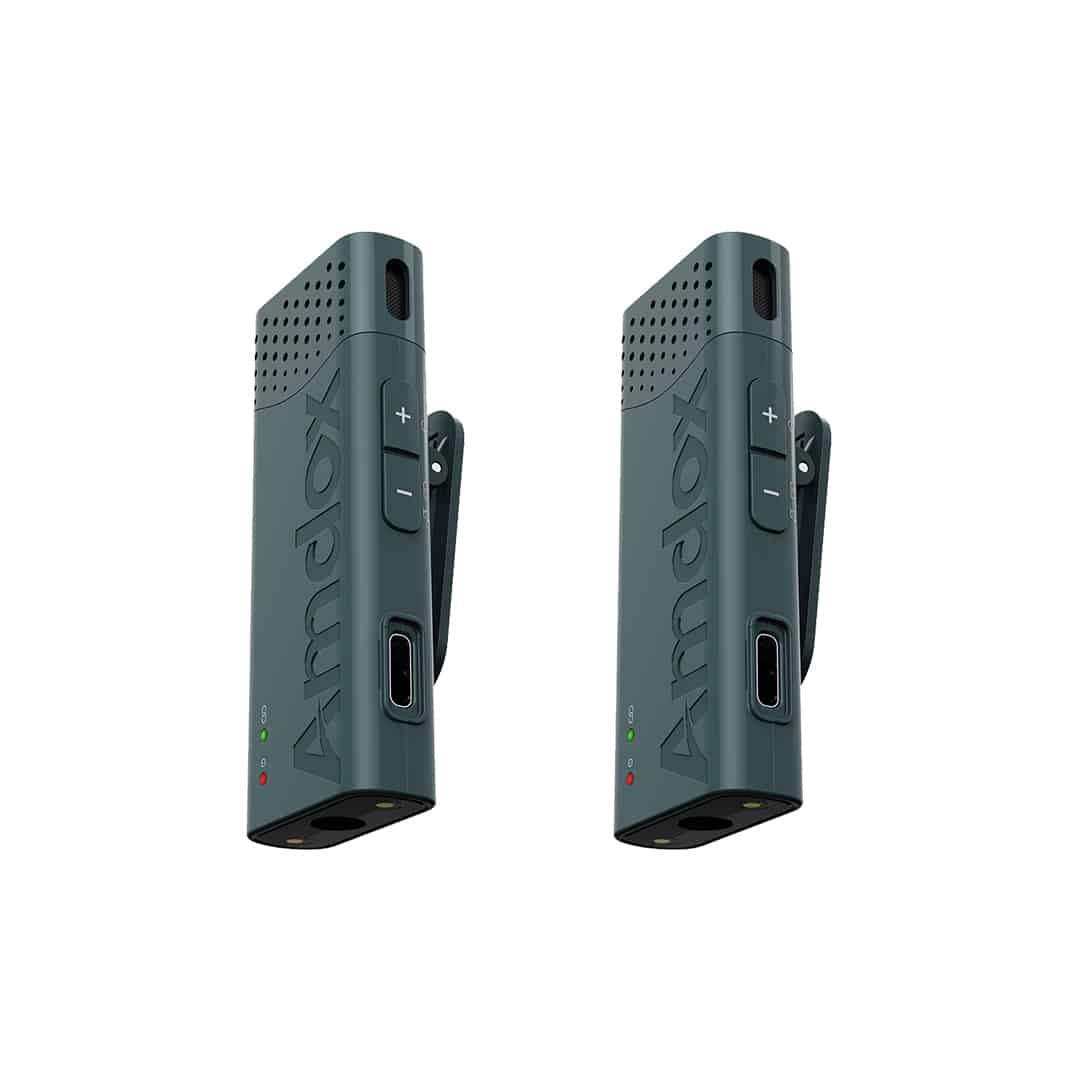
Wireless Clip-on Mic
Digital audio processing delivers clear voice capture with plug-and-play operation for effortless classroom use.
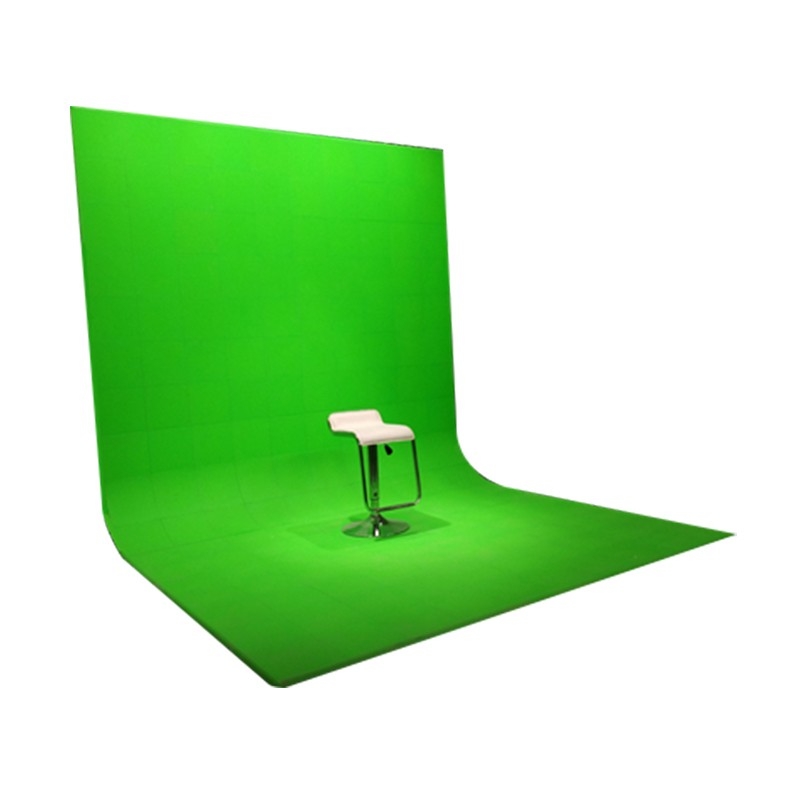
Virtual Green Box
Pure green background with zero color difference and no impurities; matte, anti-reflective material
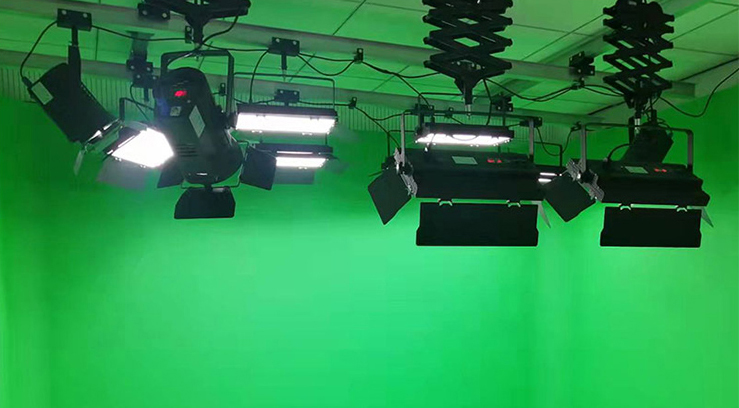
Lighting System
Shadow-free, uniform lighting; low-reflection design. Adaptable to multiple background sizes.
Solution Advantages
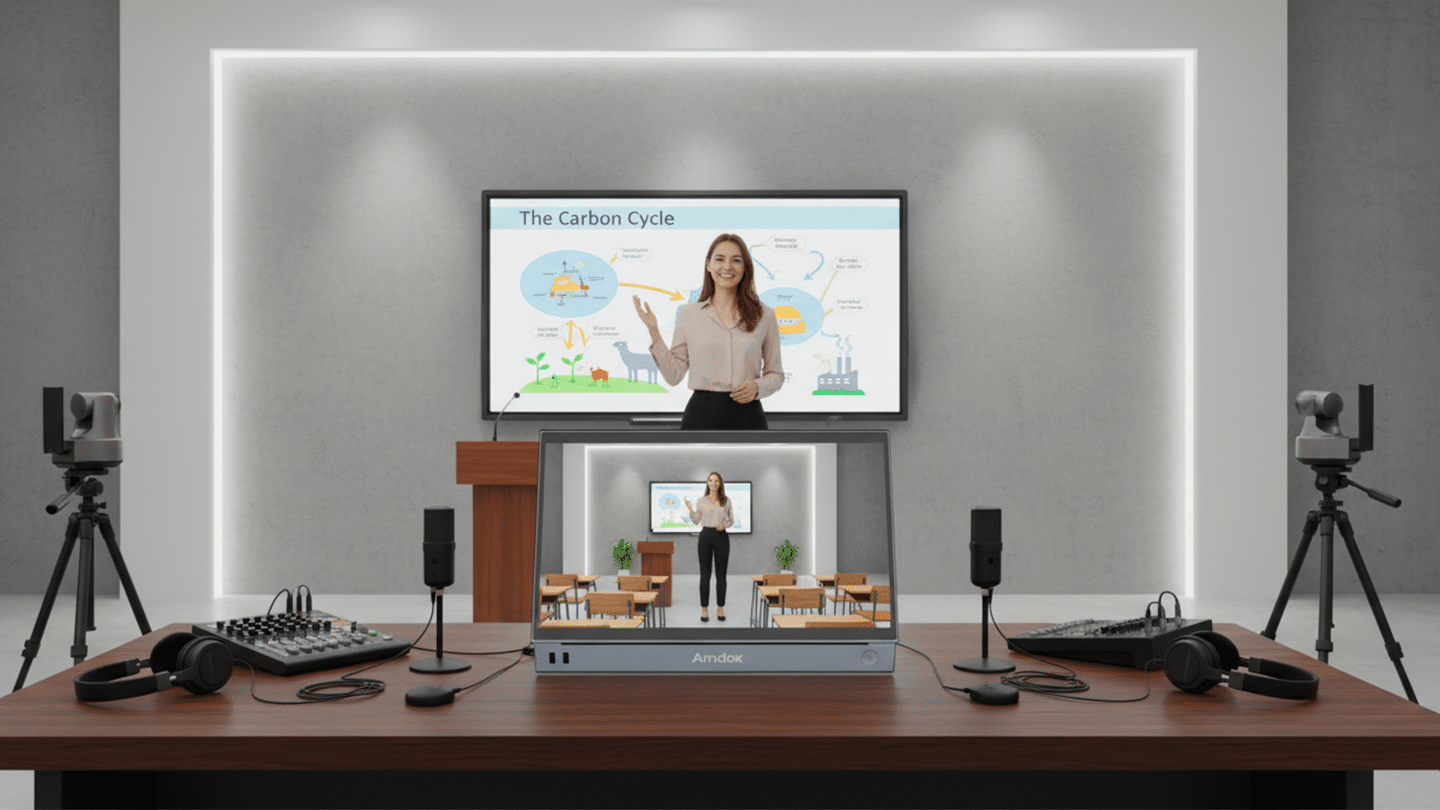
Virtual‑Real Fusion
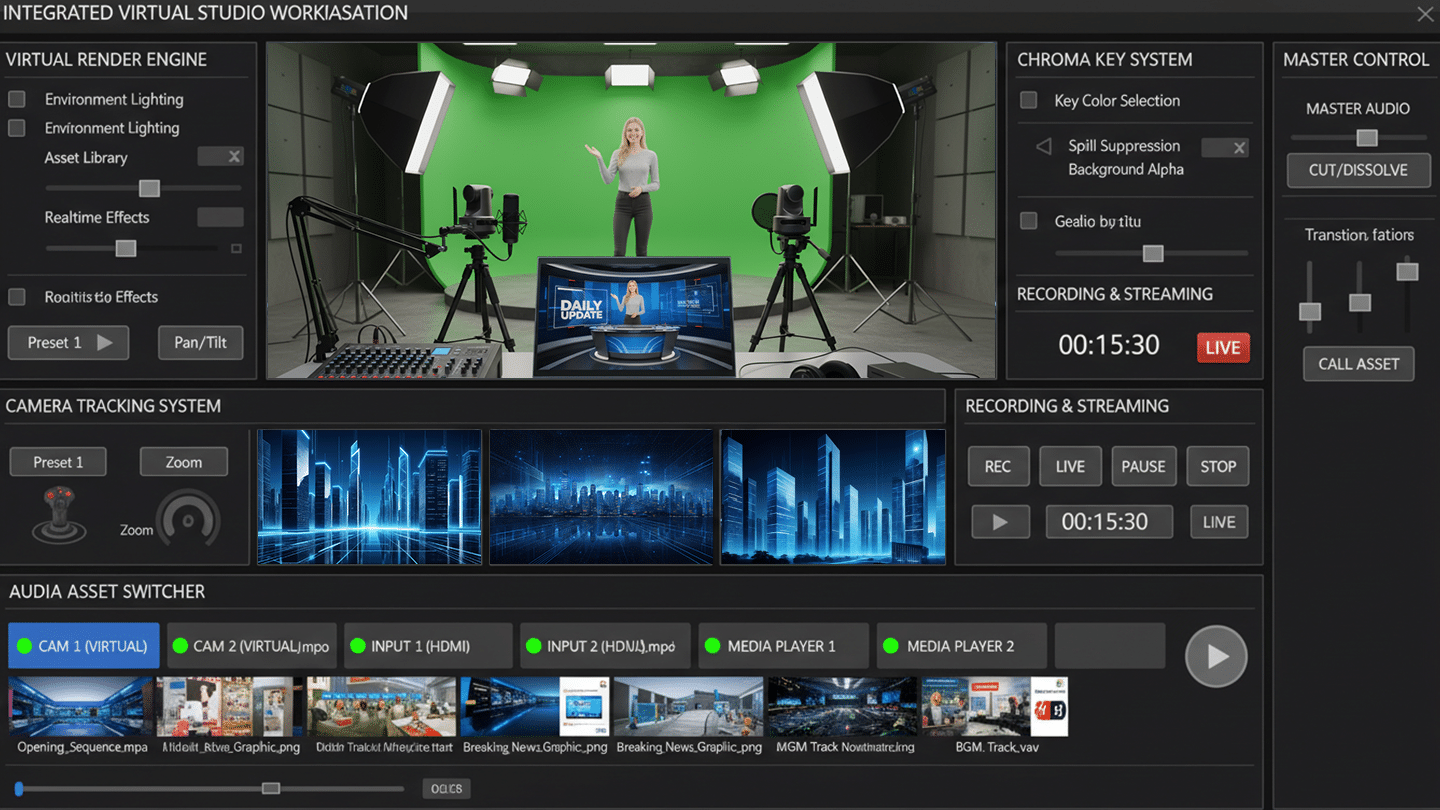
The system composites instructor‑annotated slides as background with camera footage in the foreground. Static images or video can be used as virtual backdrops, adjustable to content—greatly enriching production while saving the cost and time of building physical sets.
Electronic Green Screen, One‑click Switch
Chroma‑keying blends with an electronic green screen to switch backgrounds with one click. The system reads PPT files directly—no conversion—so paging and annotation are handled in‑app.
Small Space, Big Capability
Not a patchwork but a tightly integrated space—virtual render engine, camera tracking, keying, capture, and AV switcher—all in one. Users record, stream, switch, and manage assets from a single interface with stability and ease.
Rich Asset Library & Templates
Includes extensive education‑focused virtual sets, graphic packages, and 3D teaching models (molecules, organs, mechanical parts). Teachers can start “out of the box,” with custom assets available on demand.
Spec Sheet
Contact Us
Schedule a demo to discover how live streaming, lecture recording & playback and devices management come together in one complete solution.
FAQ
What core equipment is required for a recording classroom?
A typical recording classroom includes teacher and student cameras, array microphones, a 4K recording system, speakers, and a recording workstation. We recommend the best configuration based on your classroom size.
Does the system support automatic teacher and student tracking?
Yes. AI automatically tracks the teacher and switches camera views. Student speaking detection is also supported for fully automated lecture recording.
How are recorded lessons stored and managed?
Lessons are saved locally and can be automatically synchronized to the XClass Cloud Platform. Users can replay recordings anytime with search, tagging, and permission control.
Does the solution support live streaming and remote teaching?
Yes. Launch live classes with one click. Remote participants can join online and interact through video, audio, chat, and collaborative whiteboard.
How long does it take to deploy a recording classroom?
Most classrooms can be deployed within 2–3 working days, including installation, system setup, and teacher training.
Can the system integrate with our existing school platforms?
Yes. The platform supports integration with SSO, LMS, campus management systems, and other education platforms through open APIs.