Whiteboard designed with years of insights & real experience
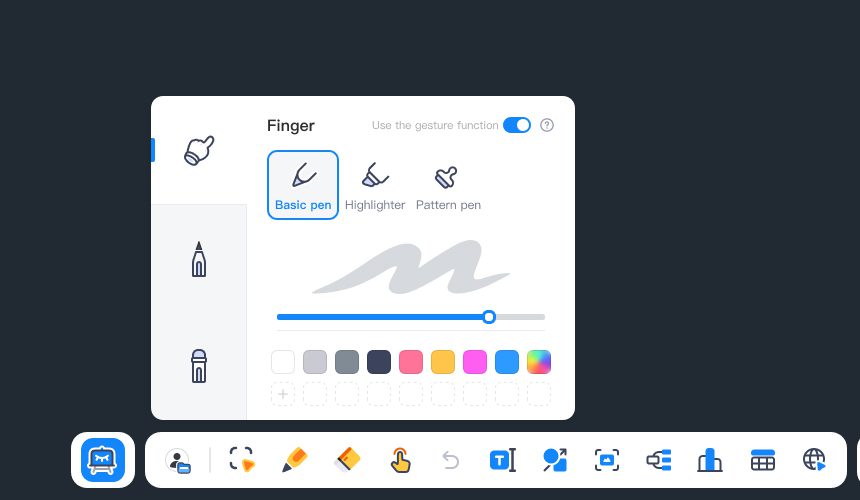
Write with a magnetic, 2 sided pen.
40 Point Multi-touch for collaboration.
Smart Tools for enhanced learning.
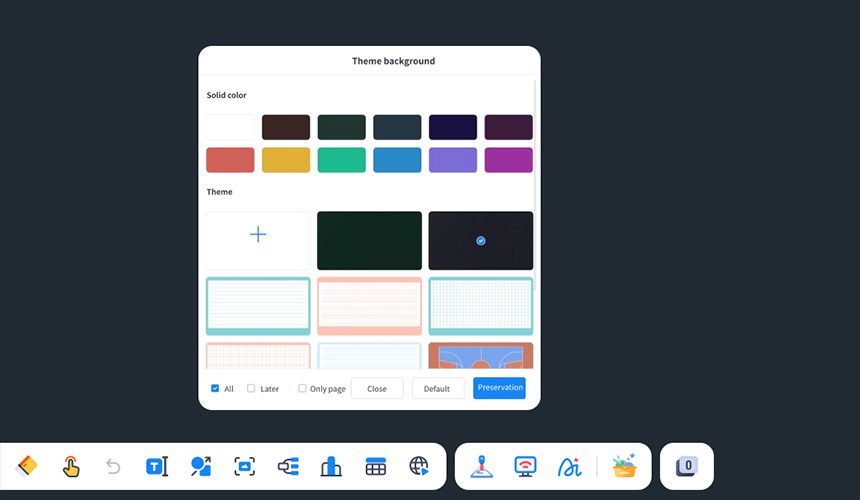
Adjustable themes for various subjects.
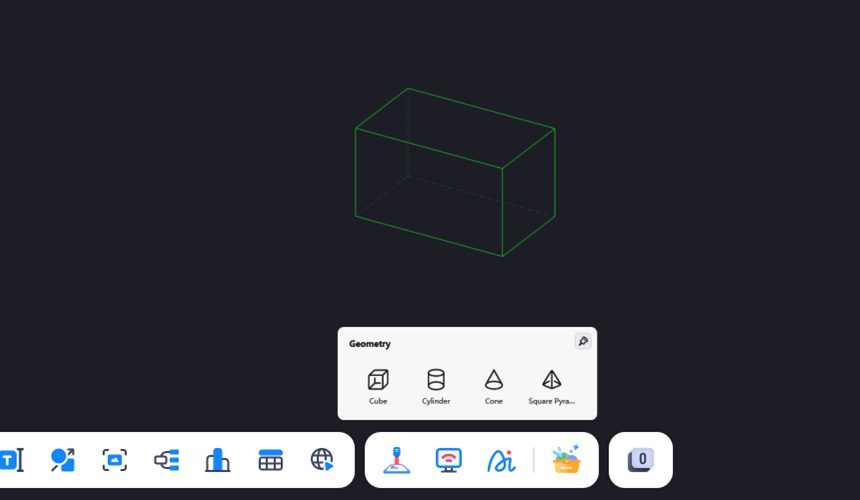
Create 2D/3D Shapes with measurements.
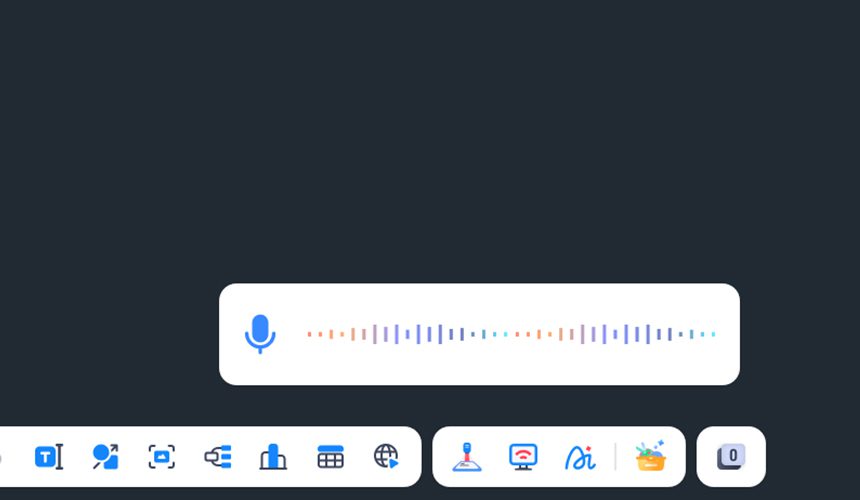
Control hands-free voice search.
Smart Cloud Space
One‑click access to your cloud space with seamless links to Google Drive and OneDrive for fast resource retrieval. Virtual folders and cloud sync keep materials ready anywhere, anytime—so lessons run smoothly.
Smart Writing
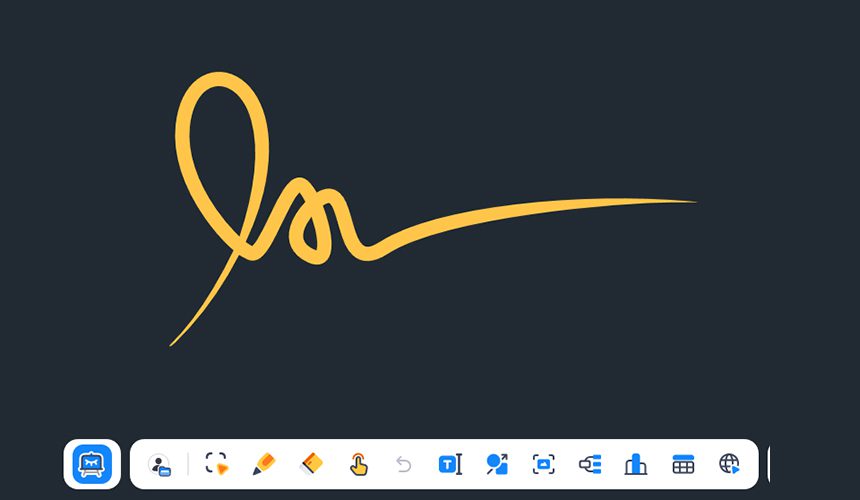
Advanced multi‑touch enables fluid switching between gestures and writing—no constant tool changes. Built‑in AI handwriting recognition converts formulas and text to clean formats in real time and supports one‑click related searches, matching diverse classroom writing needs with higher efficiency.
AI Handwriting Recognition
Converts handwritten formulas, text, and other content into standardized formats in real time, and supports one‑tap search for related resources.
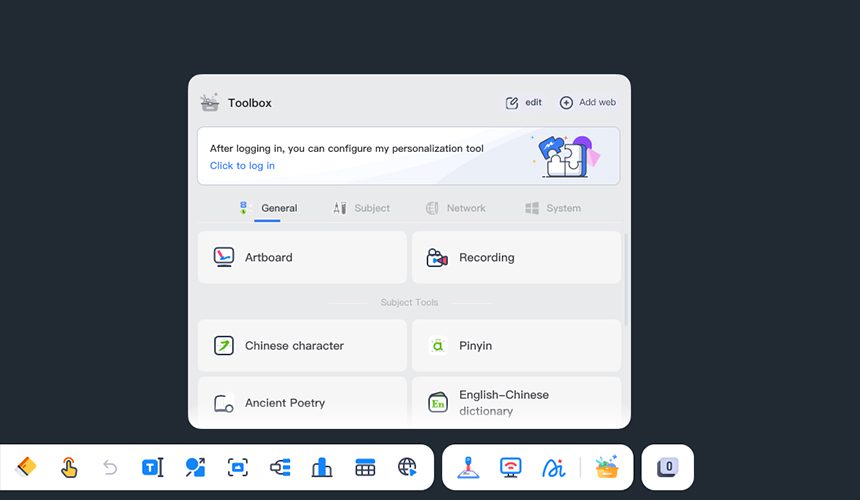
Smart Toolbox
Everything you need, built into your Interactive Whiteboard
A toolkit for teachers that combines general and subject‑specific tools—covering comparative instruction, simulation labs,etc.
Annotation & Spotlight
Screen capture,annotation and spotlight tools for clearer instruction
Multi-user
Multi-user touch collaboration for more engaging classrooms
Ruler & Geometry Tools
Professional ruler and geometry tools for accurate diagram creation
FAQ
What operating systems and devices does the interactive whiteboard software support?
The interactive whiteboard software supports common educational operating environments, including Windows, Kylin OS, and UOS.
It is compatible with various classroom devices such as interactive flat panels, smart blackboards, all-in-one teaching displays, and teacher computers.
What teaching scenarios is the interactive whiteboard software suitable for?
It is designed for various teaching scenarios, including daily lessons, courseware presentations, digital annotation, classroom interaction, experiment demonstrations, blended learning, and public lesson showcases.
It helps teachers organize and deliver lessons in a more natural and engaging way.
Does it support courseware import, annotation, and classroom recording?
Yes.
The software supports importing teaching resources in formats such as PPT, PDF, Word, images, and videos.
Teachers can write annotations, erase and edit content, save digital handwriting, and record classroom sessions directly within the platform.
How can we further evaluate the interactive whiteboard software?
You can first discuss your school’s existing devices, system environment, teaching workflows, and commonly used educational resources with our team.
We can then arrange product demonstrations, trial evaluations, or customized project solutions based on your requirements.