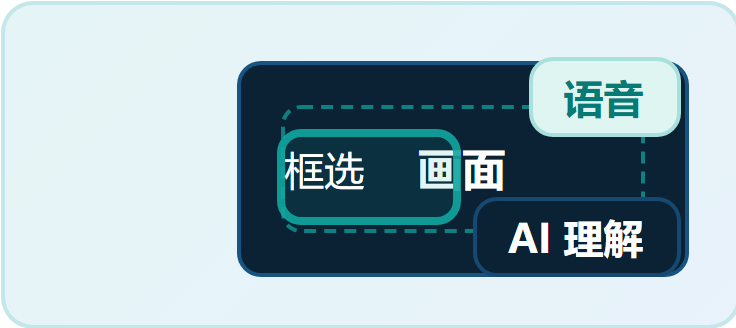
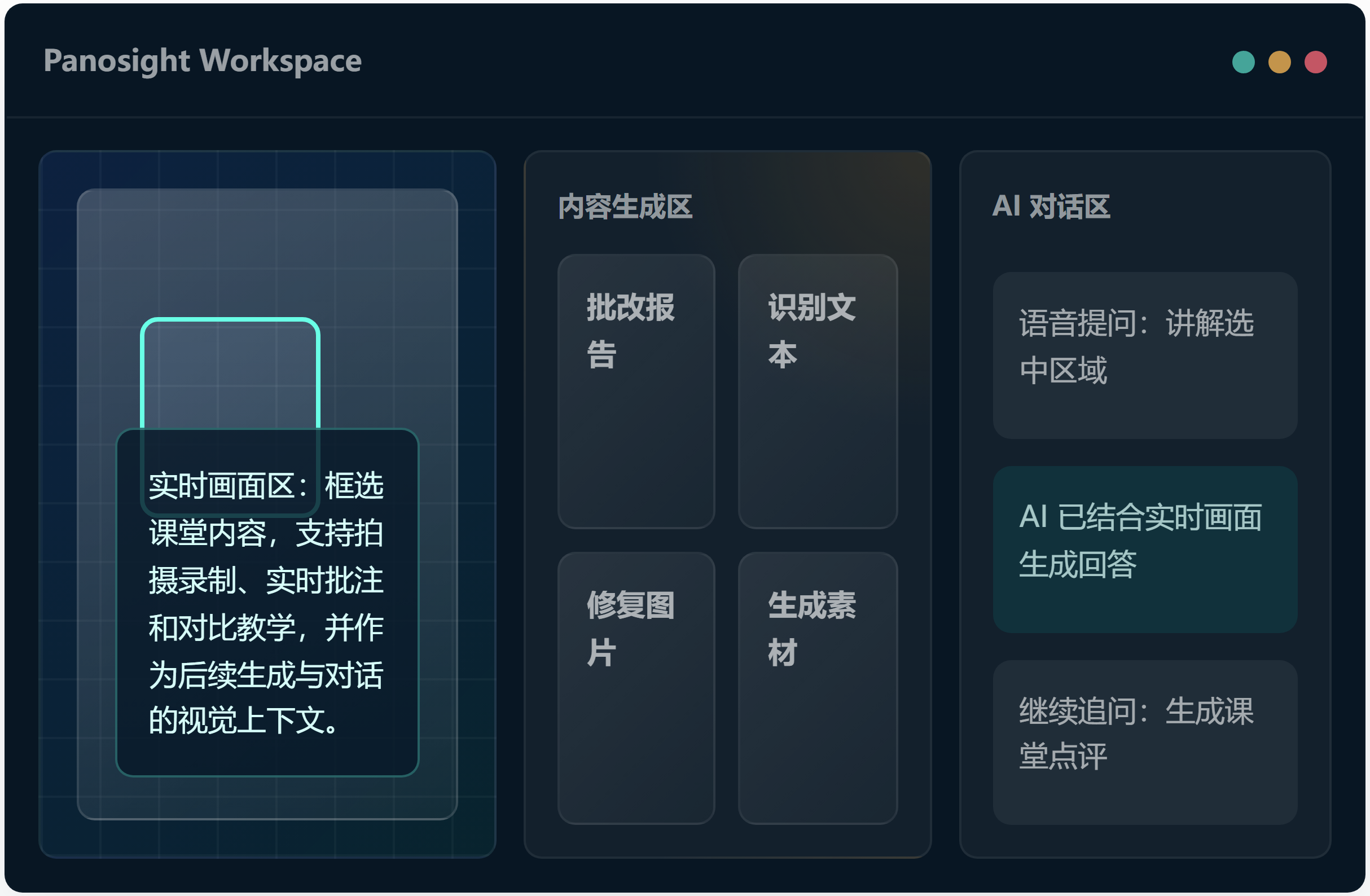
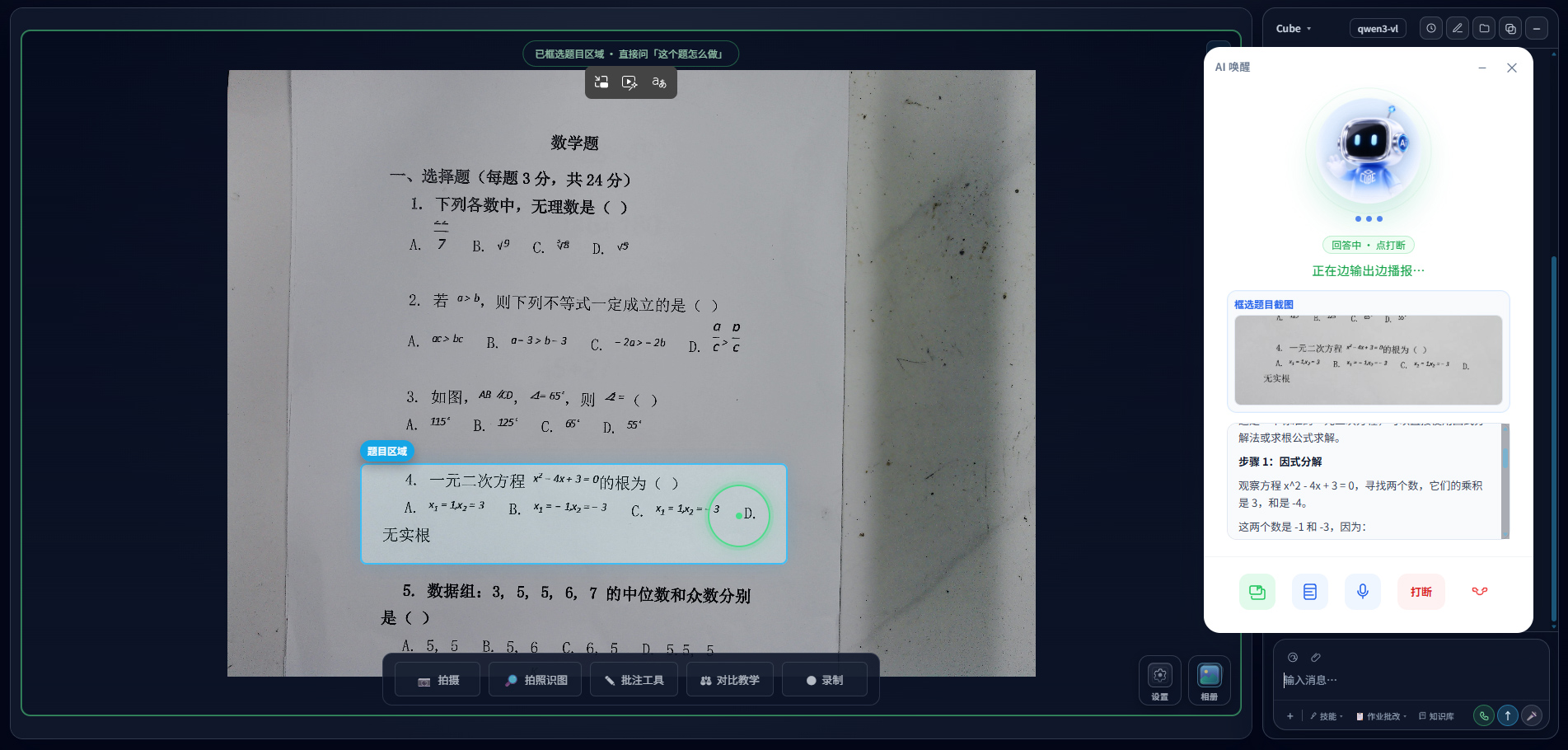
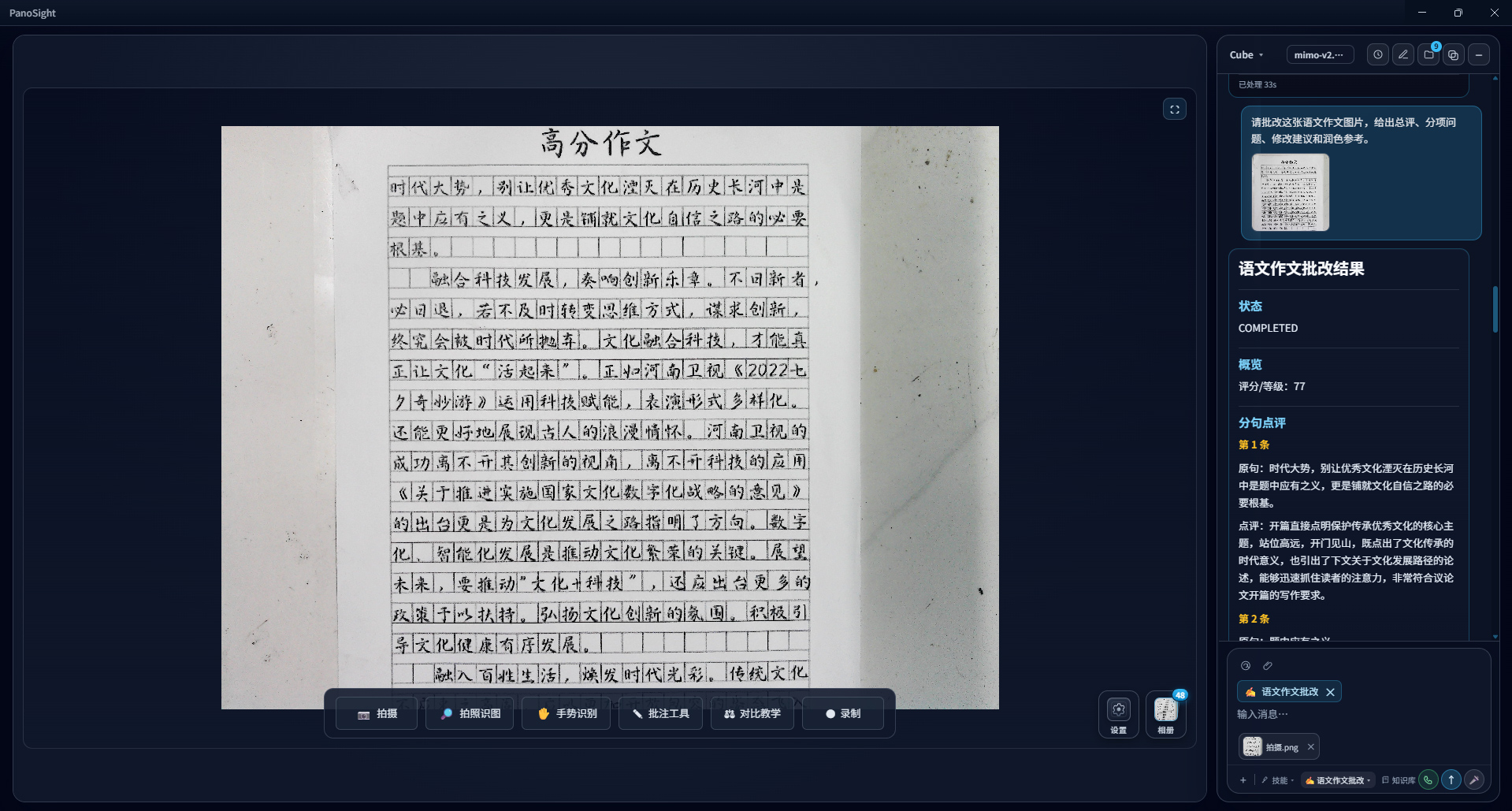
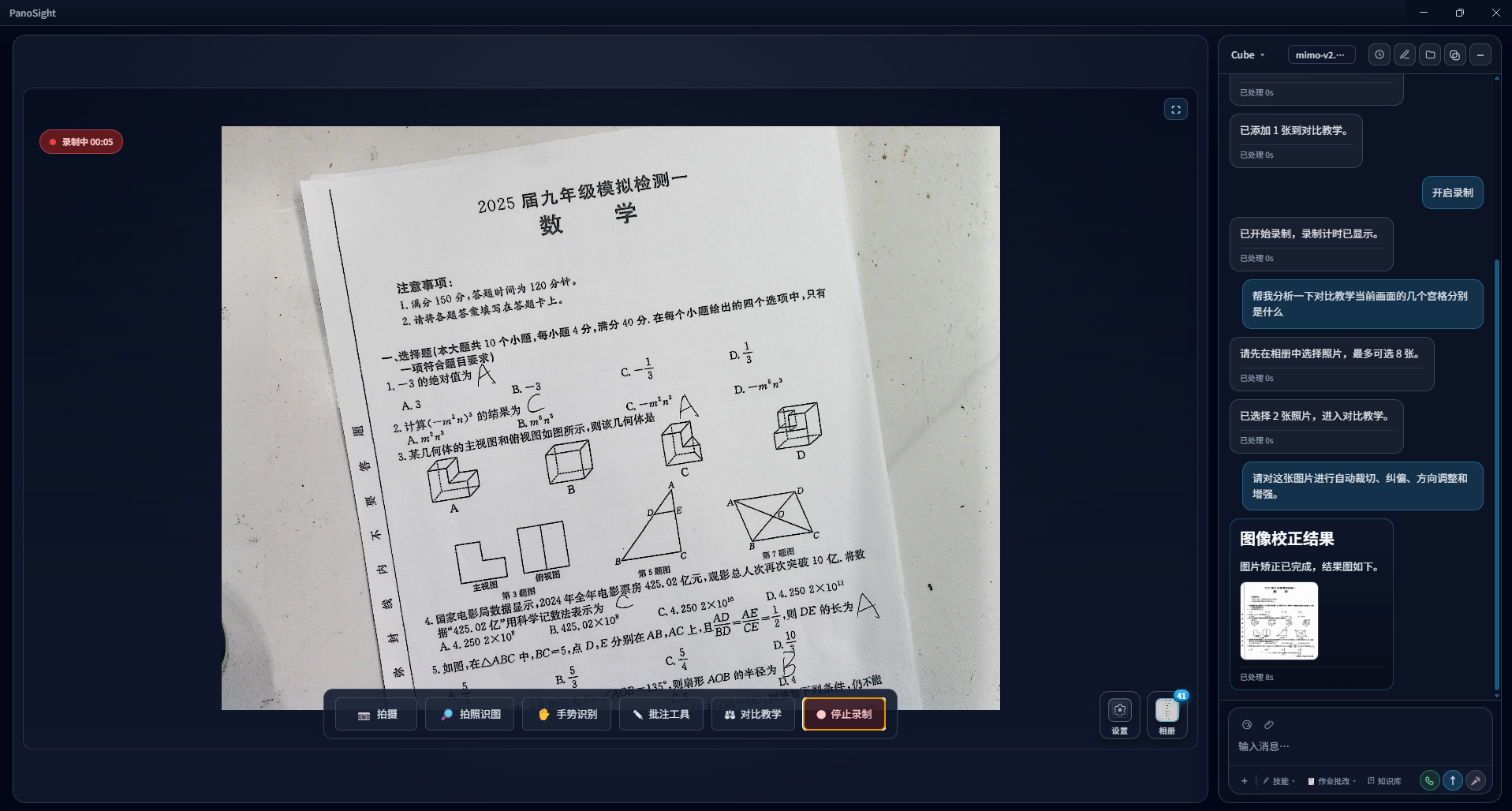
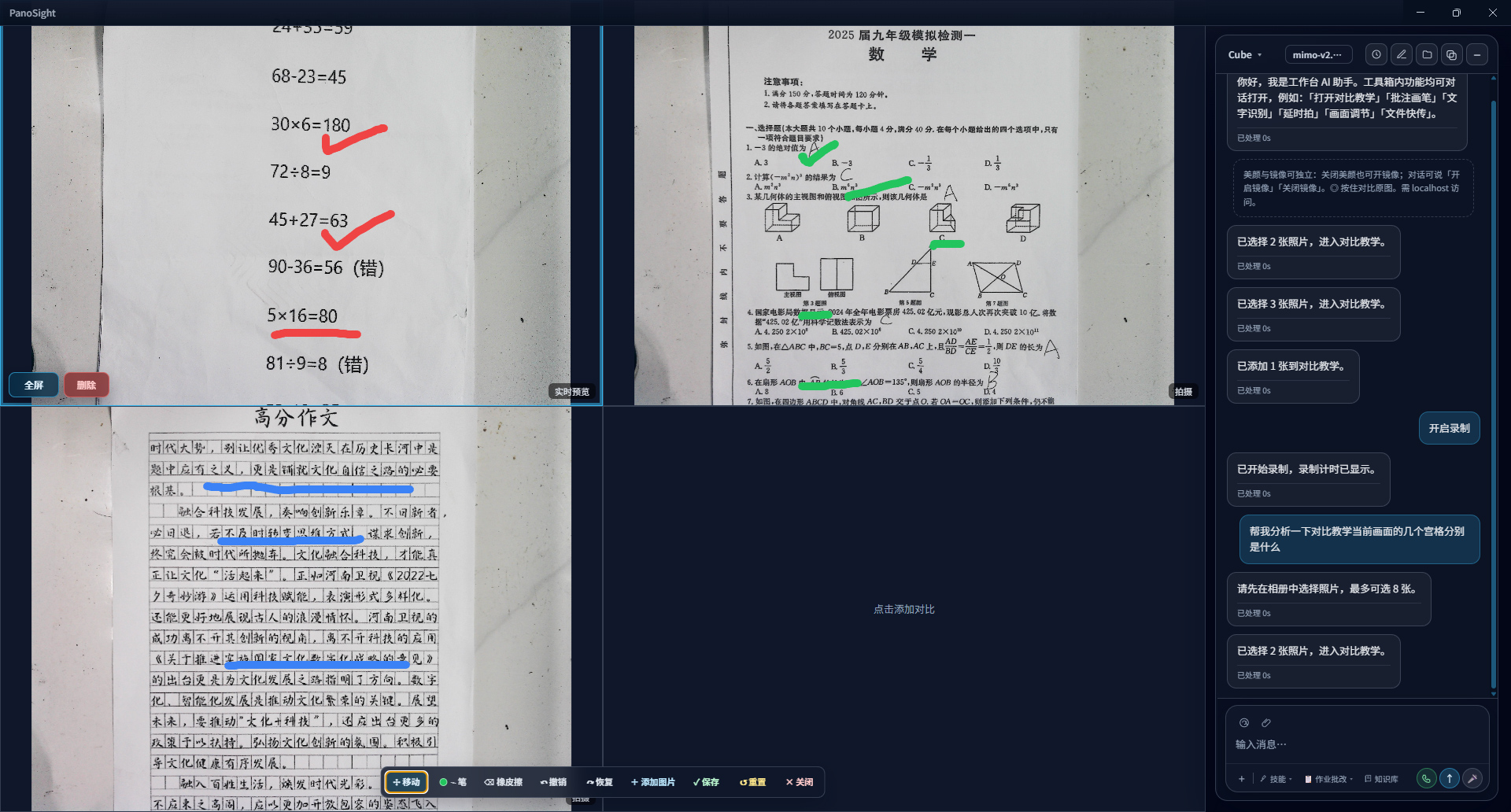
Support area selection, content referencing, image capture, annotations, and comparative.
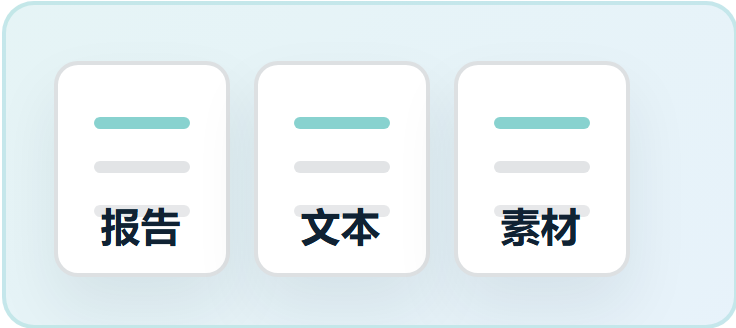
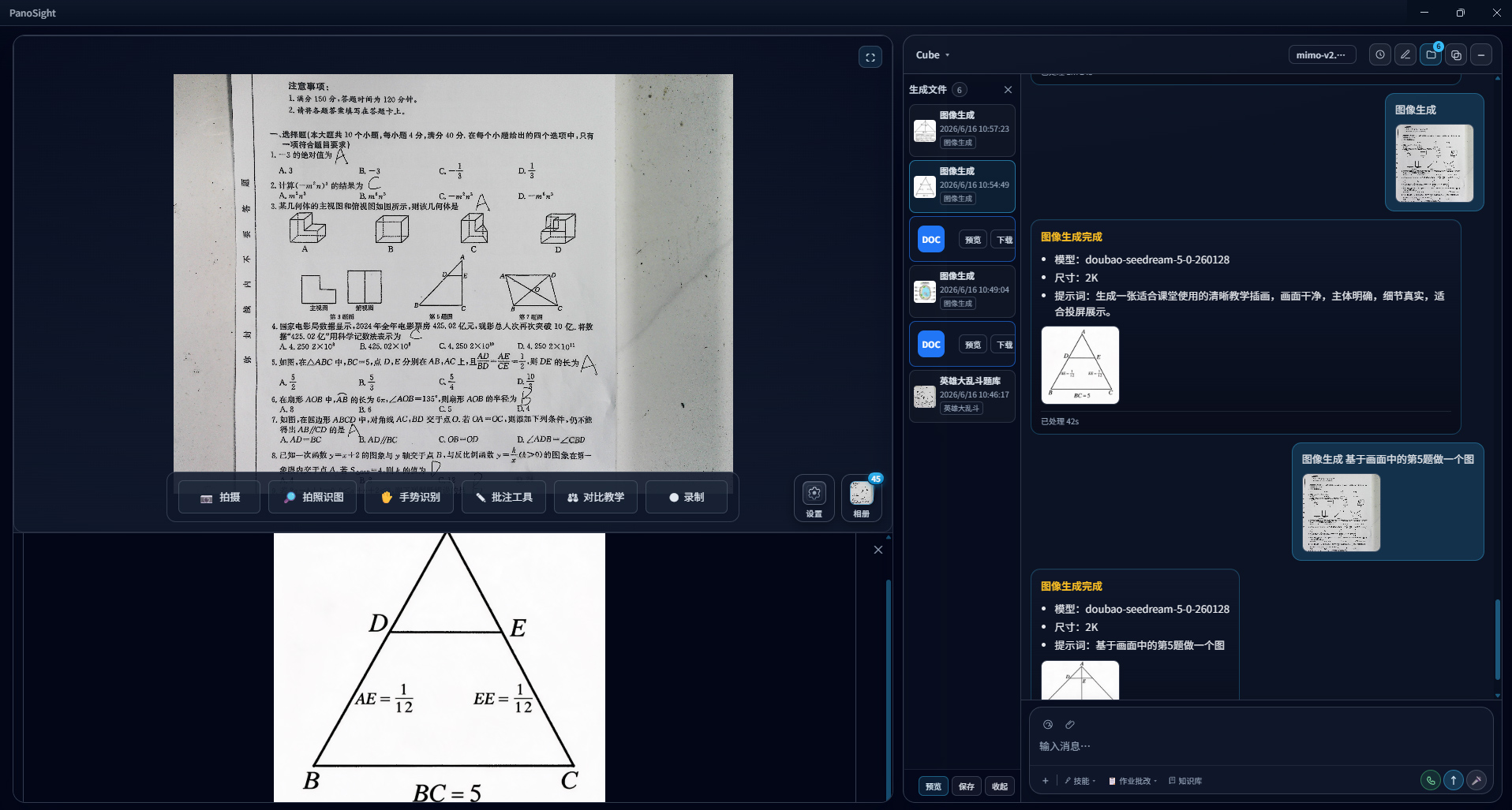
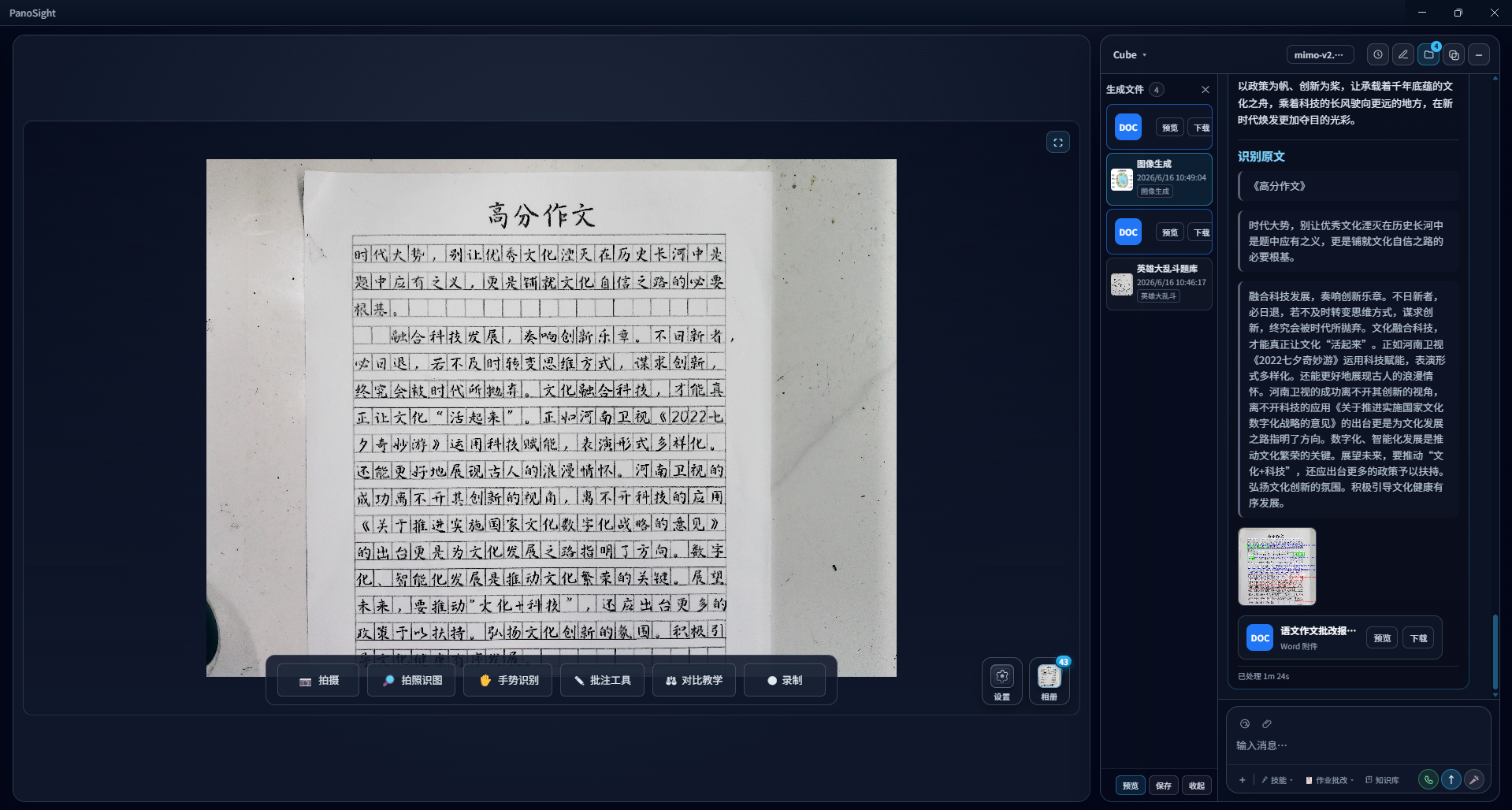
TXT Generation
Generates grading reports, recognized text, image corrections, and teaching materials.
AI Conversation
Provides natural voice-based Q&A based on the current visual content and generated results.
Highlights
Built around real-time visual capture, AI interaction, intelligent grading, and content asset management, Panosight connects classroom capture, explanation, and knowledge preservation into a complete teaching workflow.
Standard Document Camera
Real-time preview of documents and physical objects
Capture questions, exercises, and handwritten materials
Support annotations, highlighting, and classroom presentation
Enable large-screen display, comparison, and explanations
With Panosight AI Integration
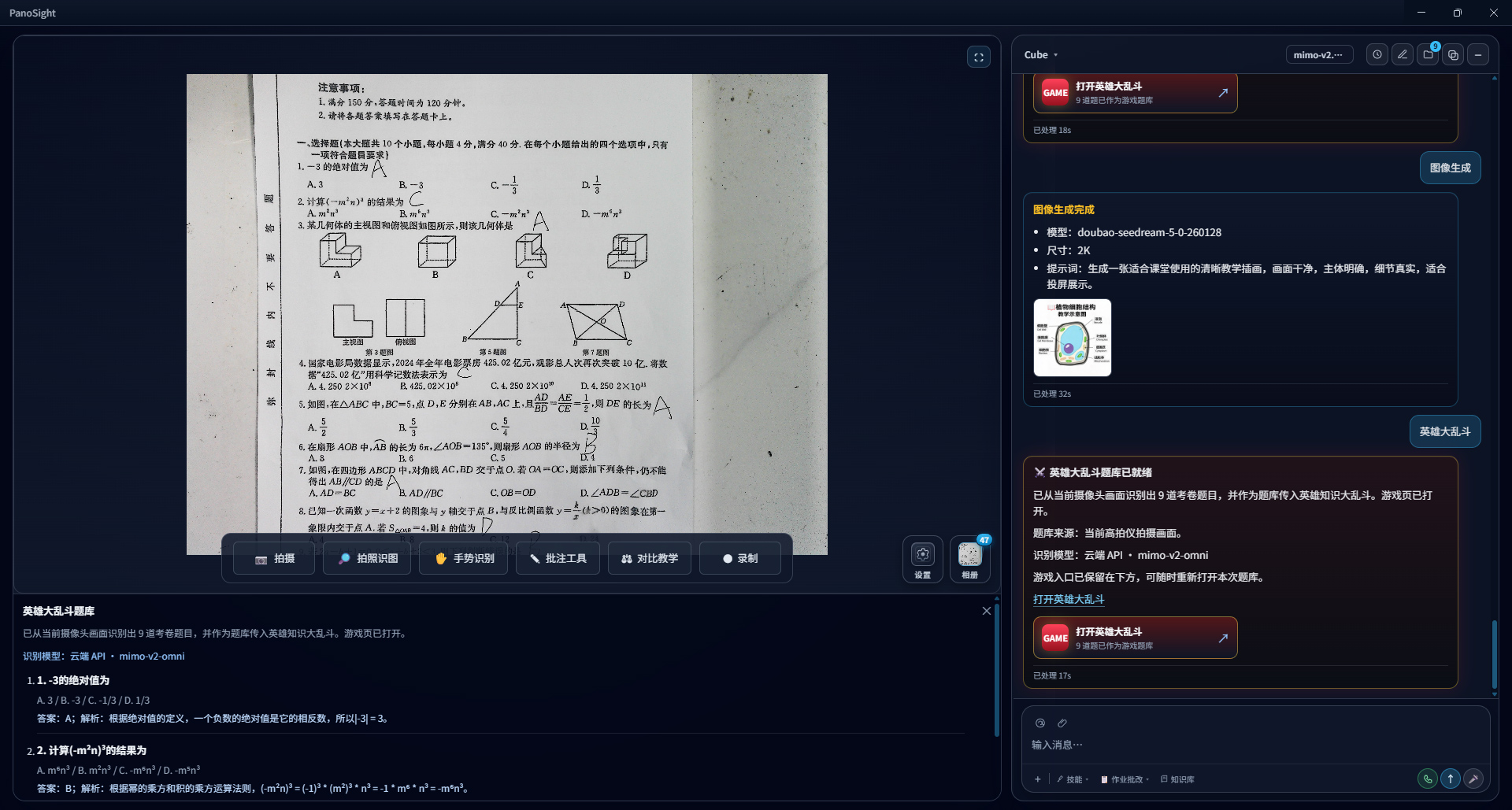
Intelligent question recognition and area understanding
Generate step-by-step explanation based on identified questions
Support voice follow-up questions and instant AI responses
Generate assignment grading reports and AI-created teaching content
From Capture to Knowledge Assets
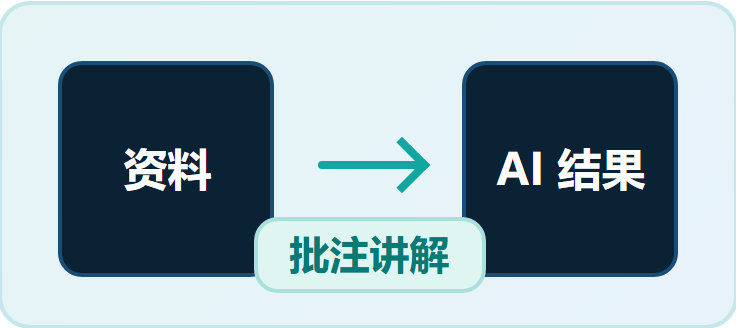
Panosight is an AI-powered classroom workflow solution. Starting from real-time visual capture,
it enables AI understanding, generation, explanation, and finally transforms the entire teaching process into reusable digital assets.
Capture
Connect real-time video, screenshots, paper and images to capture classroom content.
Understand
Selecte, annotate, and voice to guide AI in identifying and analyzing specific areas.
Display documents, images, and AI-generated results for explanation and comparison.
All in One Workspace
Teachers can select an area, ask questions by voice, generate grading reports or teaching materials, and directly continue explaining, comparing, and archiving results within the same workflow.
Real-Time Visual Context
Current screens, selected areas, screenshots, and annotations can all become AI conversation context.
Reusable AI Results
Recognized text, grading reports, corrected images, and generated materials can continue to support classroom teaching.
Continuous Classroom Asset Accumulation
Images, reports, annotations, and recordings generated during teaching are stored in a unified asset management system.
Capabilities
All-in-One AI Workspace
Integrates real-time visuals, AI conversation, and result assets into three interconnected areas.
Data generated in any section can be instantly referenced by other sections, eliminating repeated uploads, downloads, and page switching.
Intelligent Visual Recognition
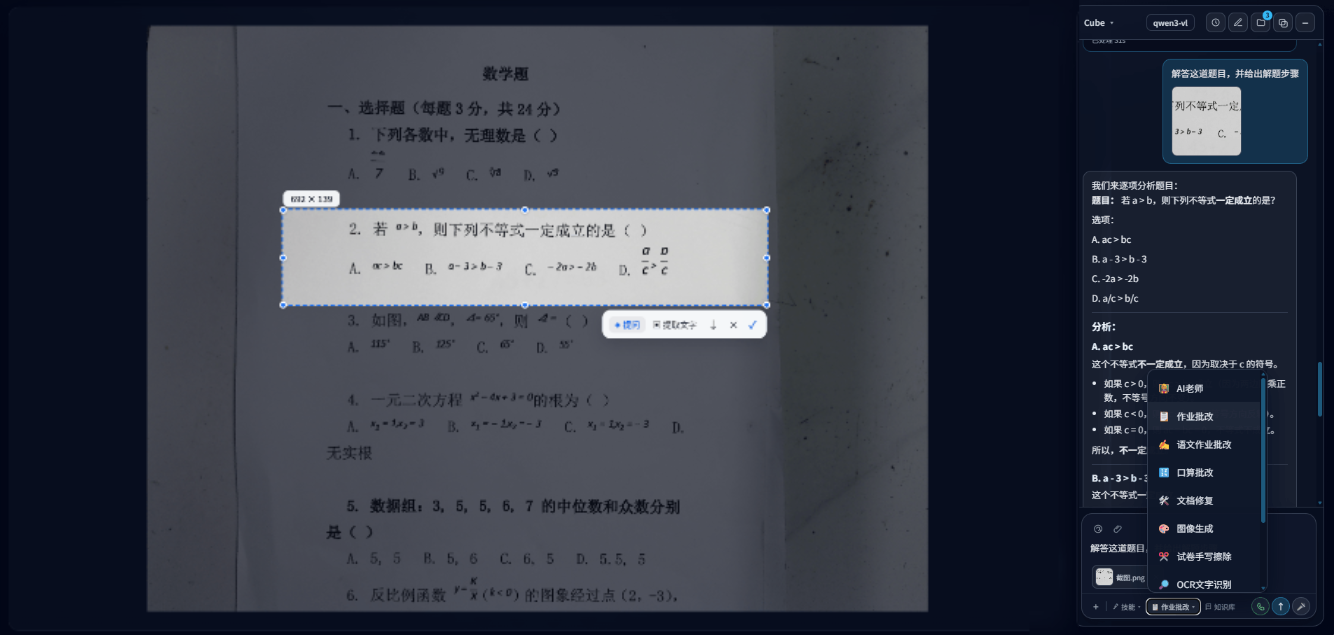
Supports real-time pointing, area selection, screenshot annotation, and regional referencing.
AI focuses on selected content to provide more accurate classroom Q&A and content understanding.
Voice Control & AI Conversation
Builds interaction context based on current visual content.
Supports natural voice questions and automatically connects selected areas for targeted answers.
Assignment Grading
Supports AI grading for various assignment types, including: Math calculations, Test questions, Essays
Provides:
Overall evaluation
Detailed scoring
Teacher comments
Improvement suggestions
Doc Processing & Correction
Provides intelligent OCR and document enhancement features, including:
Panosight integrates real-time visual capture, AI conversation, and generated content assets into one unified workspace, enabling classroom content to be instantly referenced, analyzed, generated, and preserved.
Does Panosight only support text input?
No. The system supports natural voice interaction and allows users to reference real-time visuals, screenshots, selected areas, and uploaded images as AI context.
What can Intelligent Grading generate?
Panosight can provide:
Overall performance evaluation
Detailed scoring analysis
Assignment comments
Improvement suggestions
It supports various common assignment types, including math exercises, test questions, and essays.
How are classroom-generated results managed?
AI-generated images, grading reports, recognized text, corrected images, screenshots, annotated images, and recording files can all be stored and organized in the Result Asset Center for unified management and future reuse.