Transform Learning Spaces.

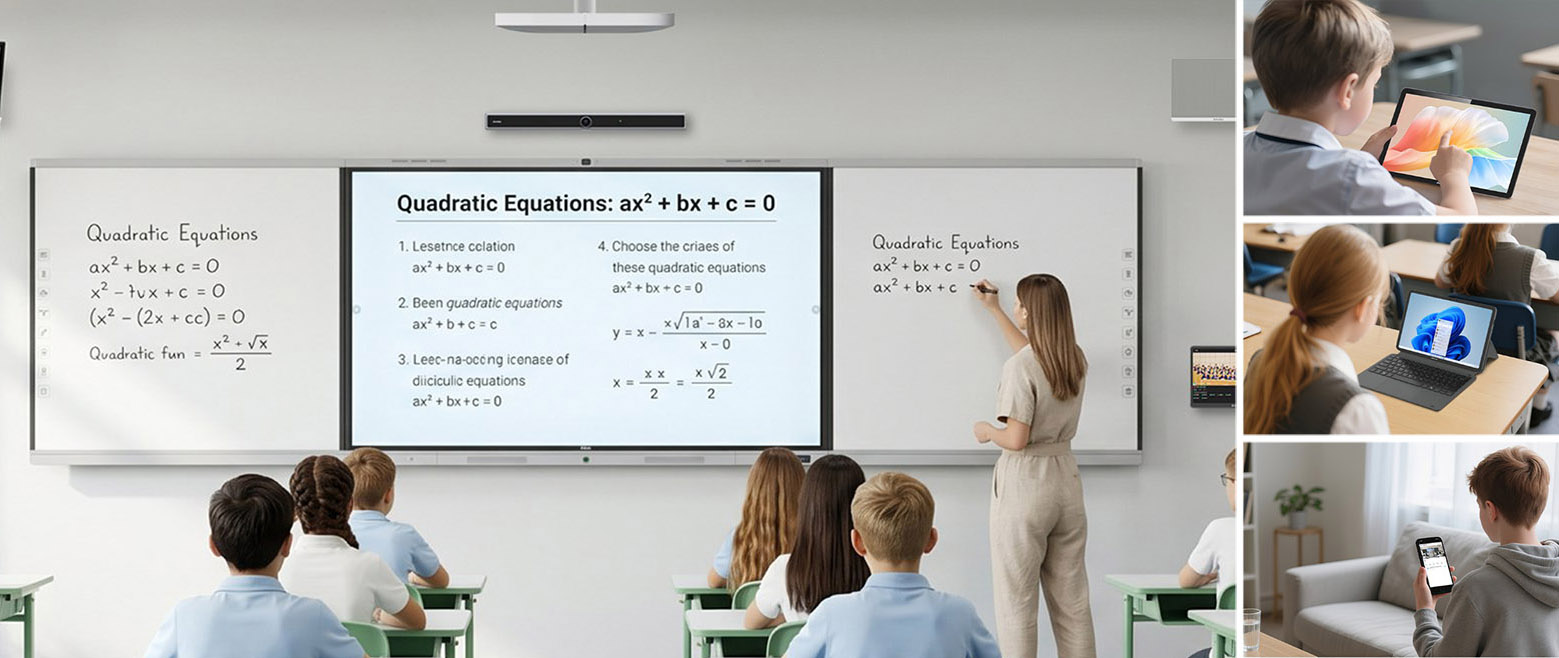
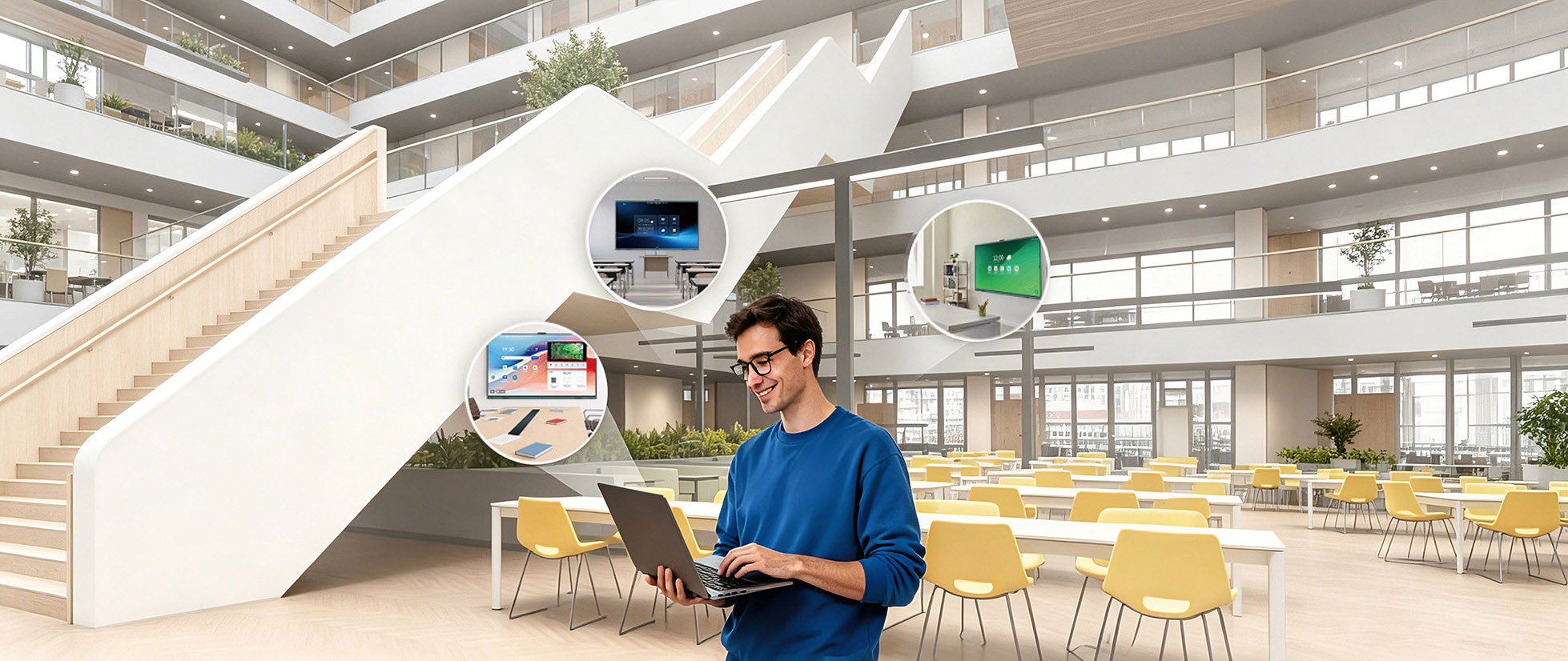
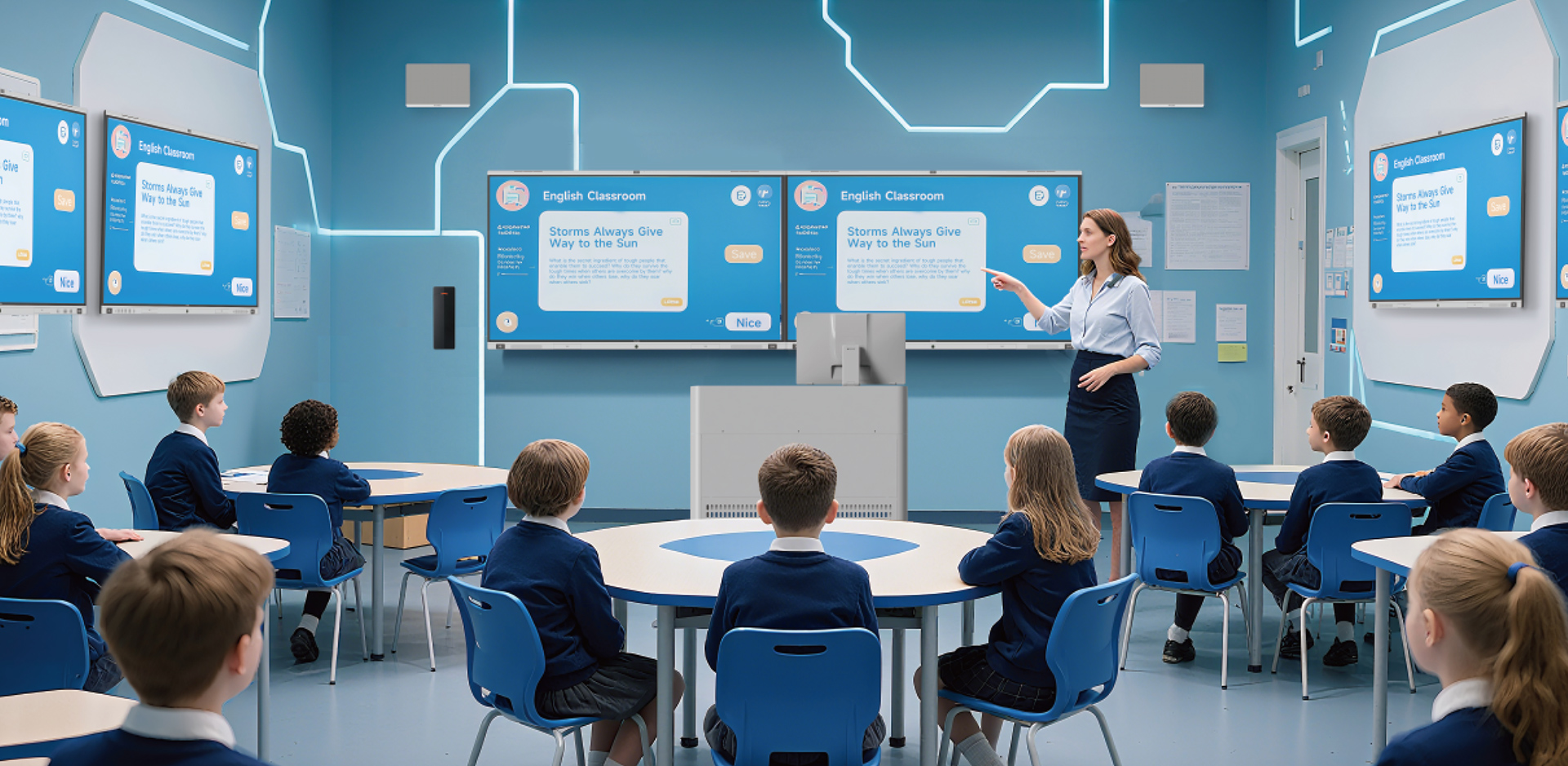
Connect hardware and software for everyday lessons, interactive learning and group discussions, tailored to each space and its goals.

Everyday Teaching

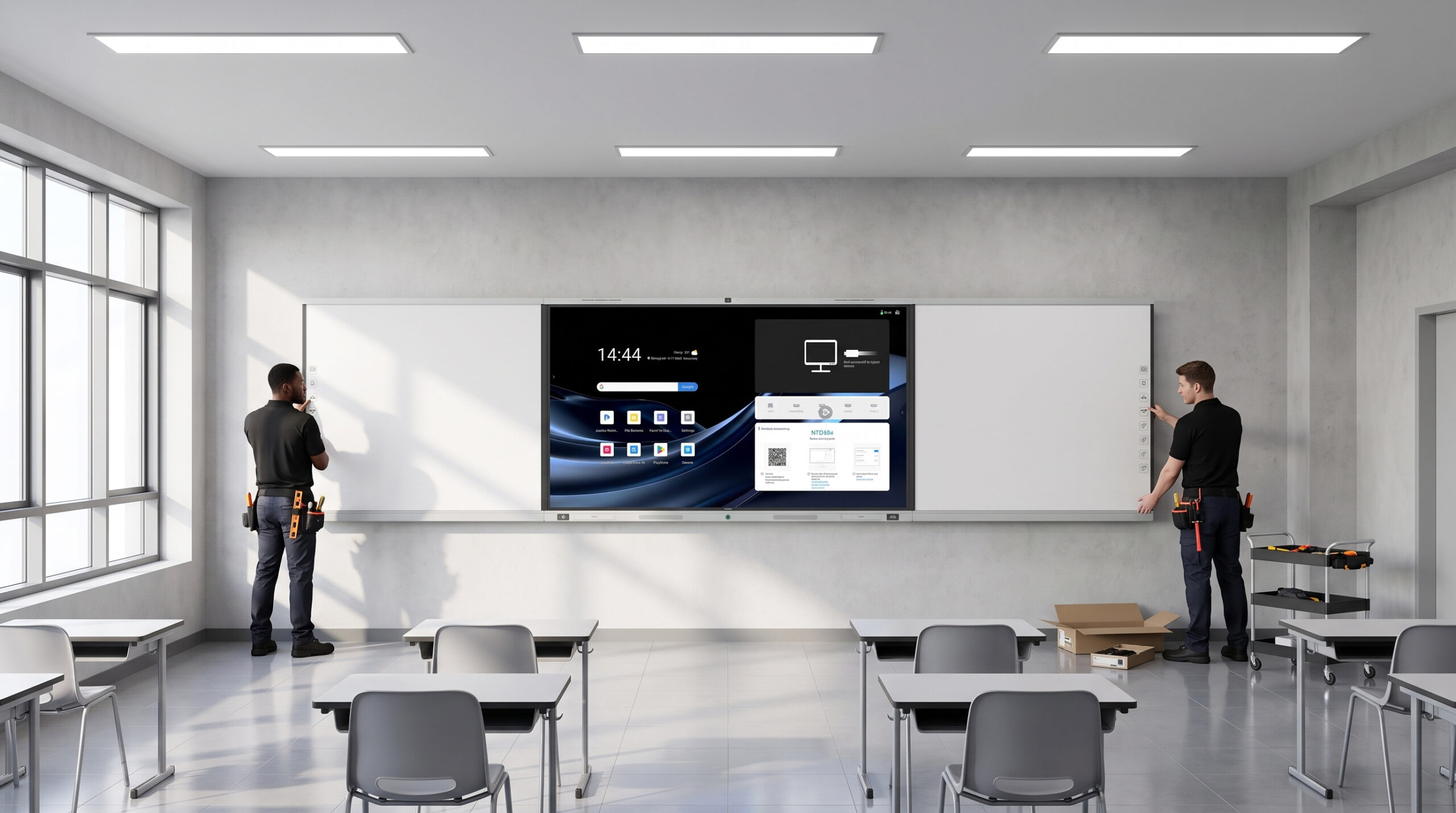
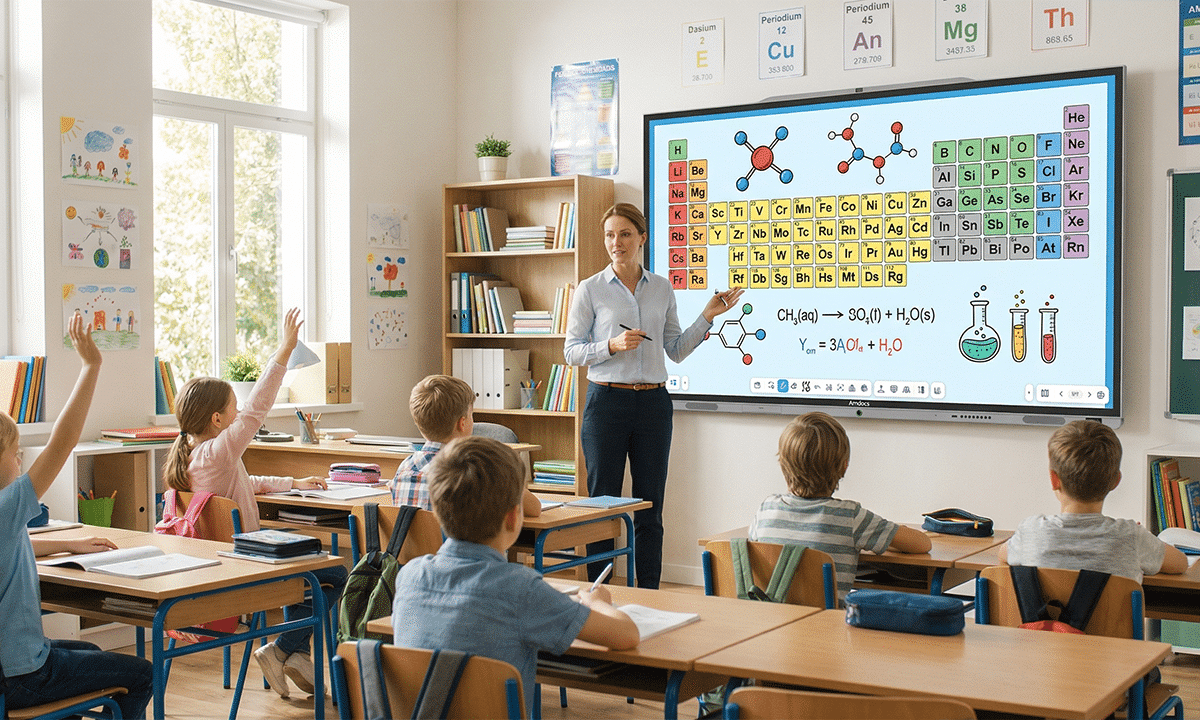
Combine presentations, interactive writing, wireless sharing and audiovisual playback. Start lessons faster, with less switching between devices and apps.

Interactive Learning

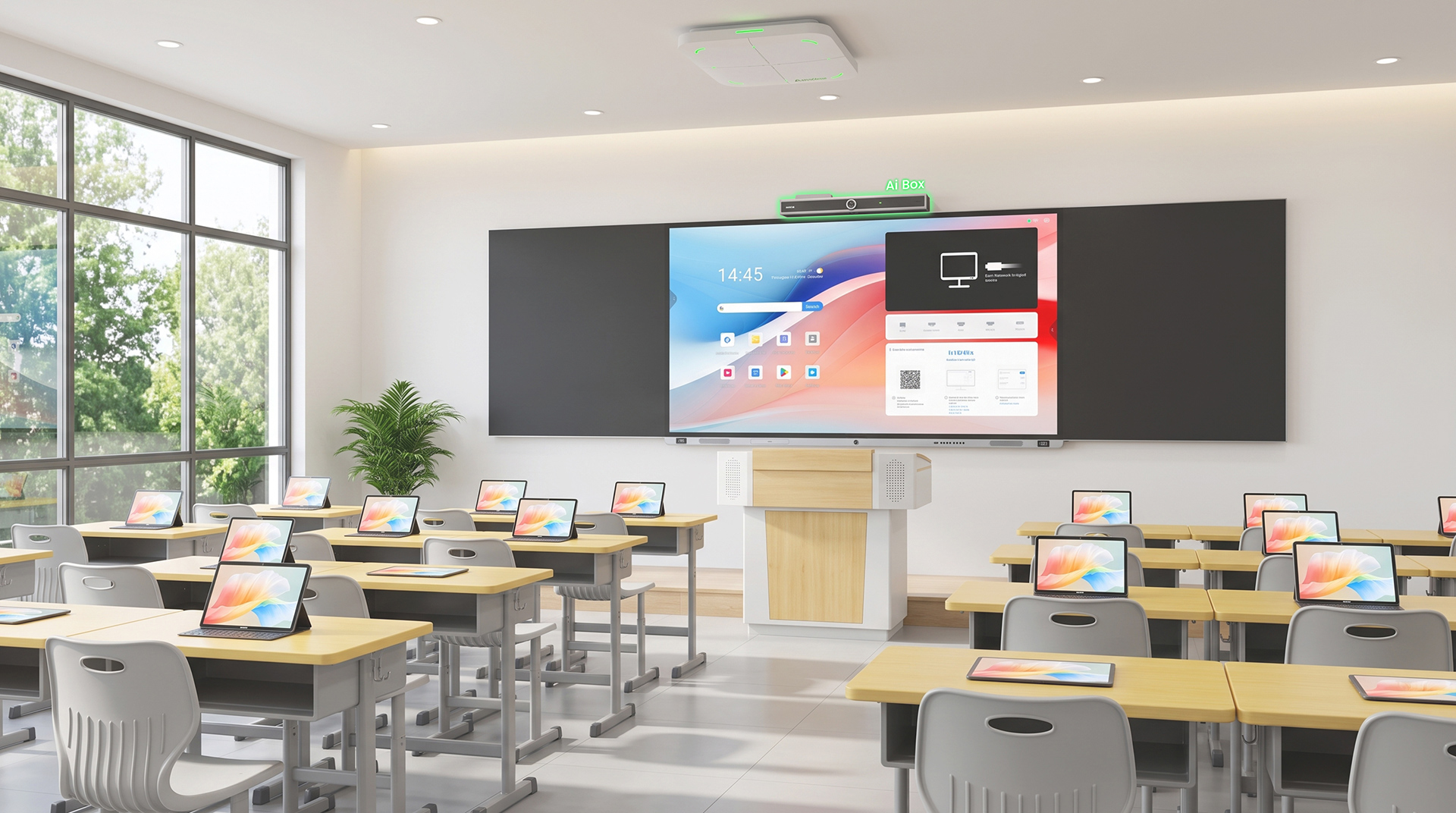
Connect classroom displays with teacher and student devices. Share tasks, content and student work to engage every learner.

Collaborative Learning

Support discussions, projects and cross-space collaboration through content sharing, activity capture and group presentations.

More Than Hardware. Your Classroom’s Intelligent Hub.

Unify whiteboard teaching, AI, visual capture, file sharing, recording, course resources and device management. Upgrade existing classrooms or standardize new deployments.

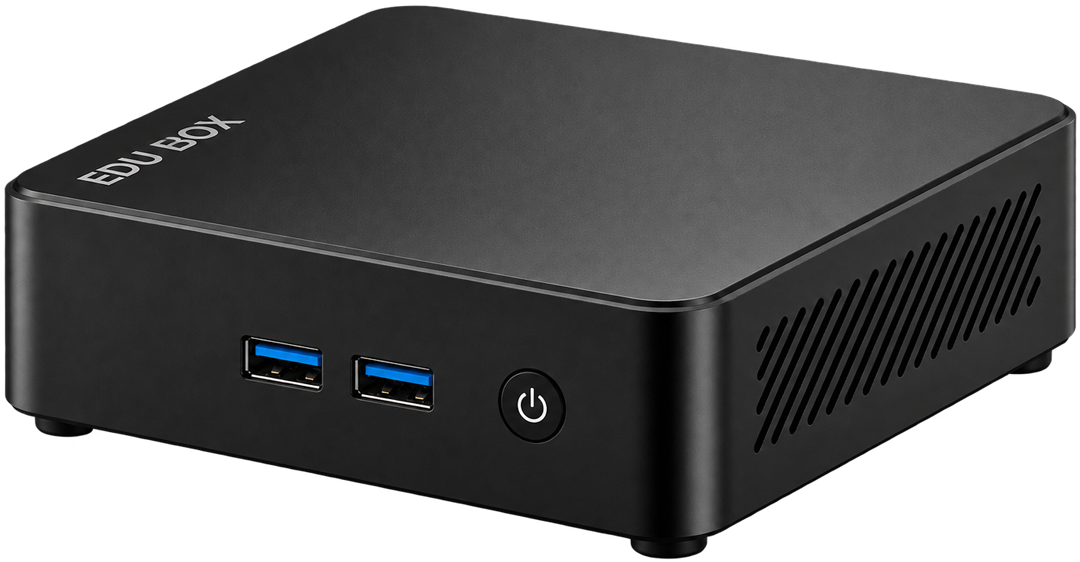
EDU Box 10

Built for Everyday Teaching
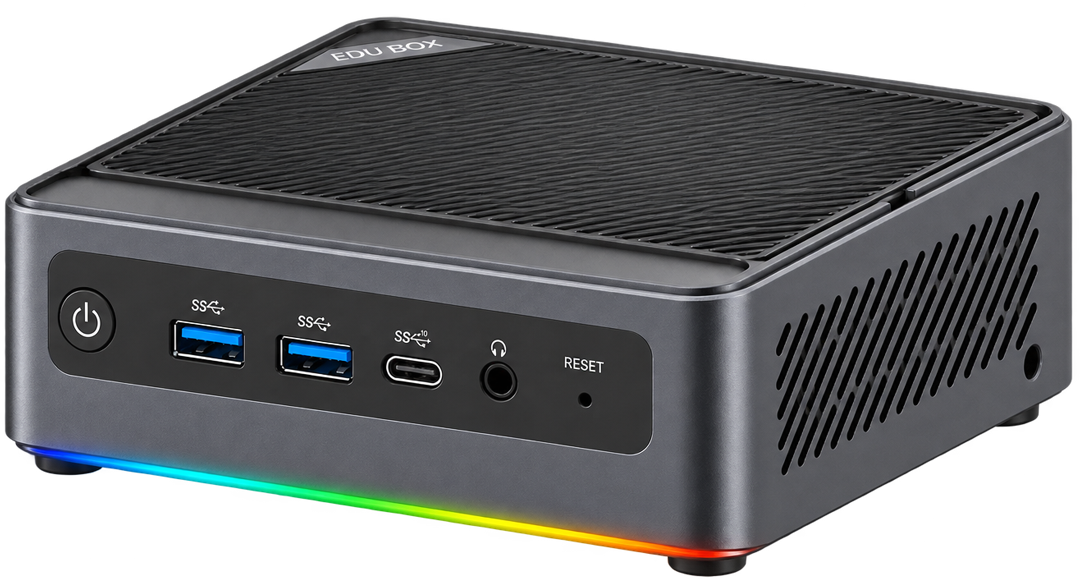
EDU Box 40

Built for Smart Classrooms
I/O Ports

USB 3.2 Type-A × 3 (10Gbps), USB 2.0 Type-A × 1, USB-C × 1 (USB 3.2, with data transfer and DisplayPort video output), 3.5 mm audio jack × 1

USB4 Type-C × 2 (with DisplayPort video output and data transfer), USB 3.2 Type-A × 2, USB 2.0 Type-A × 2, 3.5 mm CTIA audio jack × 1

Display Output

HDMI 2.1 TMDS × 2 (4K@60Hz); DisplayPort video output via the USB-C port above; supports up to three displays

DisplayPort 2.1 × 1, HDMI 2.1 × 1; additional video output via the USB4 Type-C ports above; supports up to four simultaneous displays

Connectivity

Wi-Fi 6 (802.11 b/a/g/n/ac/ax)
Bluetooth 5.2, 1GbE RJ45 × 1

Wi-Fi 6E, Bluetooth 5.3, RJ45 × 2
(2 × 2.5GbE)

From Lesson Planning to Management. 

Choose teaching, interaction, content and management apps for your school, connected in one EDU Box workflow.

IWB

Interactive Whiteboard

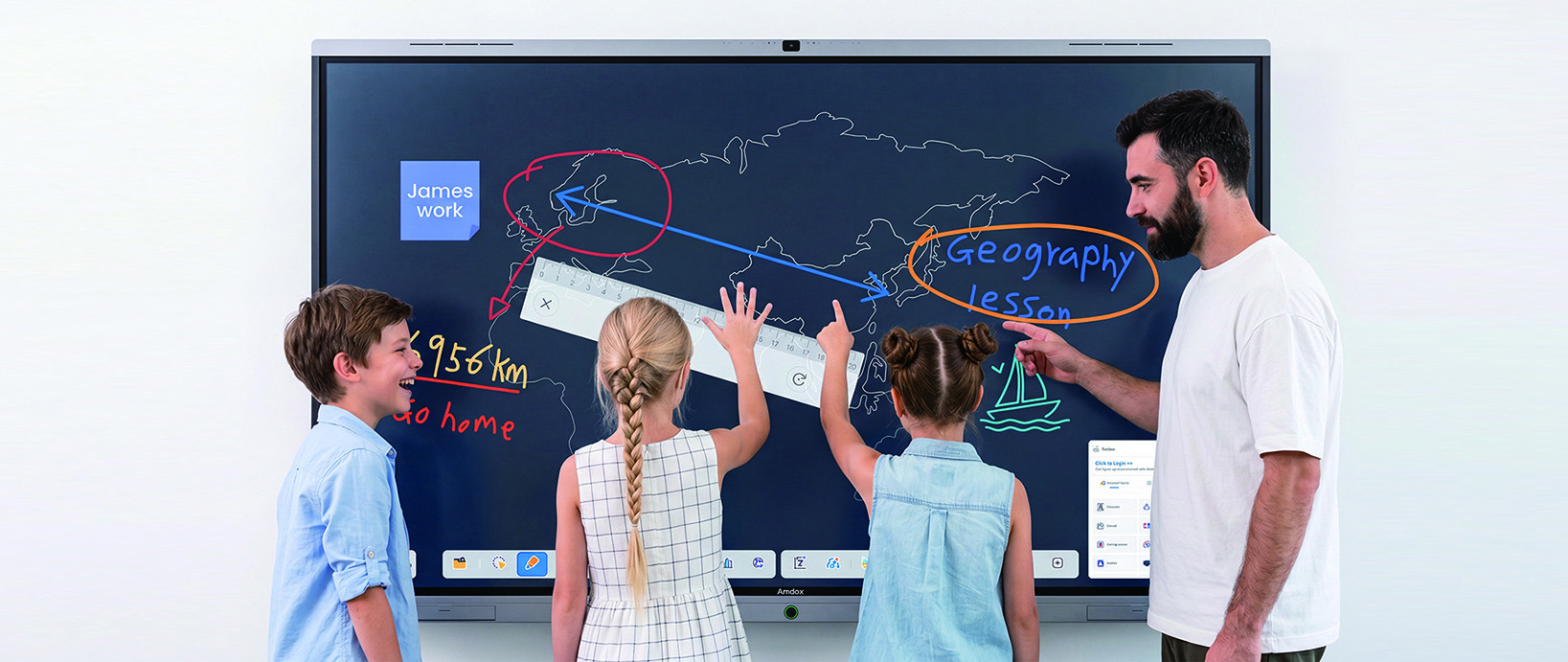
Teach with presentations, interactive writing, classroom tools, multitasking and AI assistance in one place.

Smart Writing

Teaching Tools

Multi-window Teaching

AI Teaching Assistance

PanoSight

Smart Camera

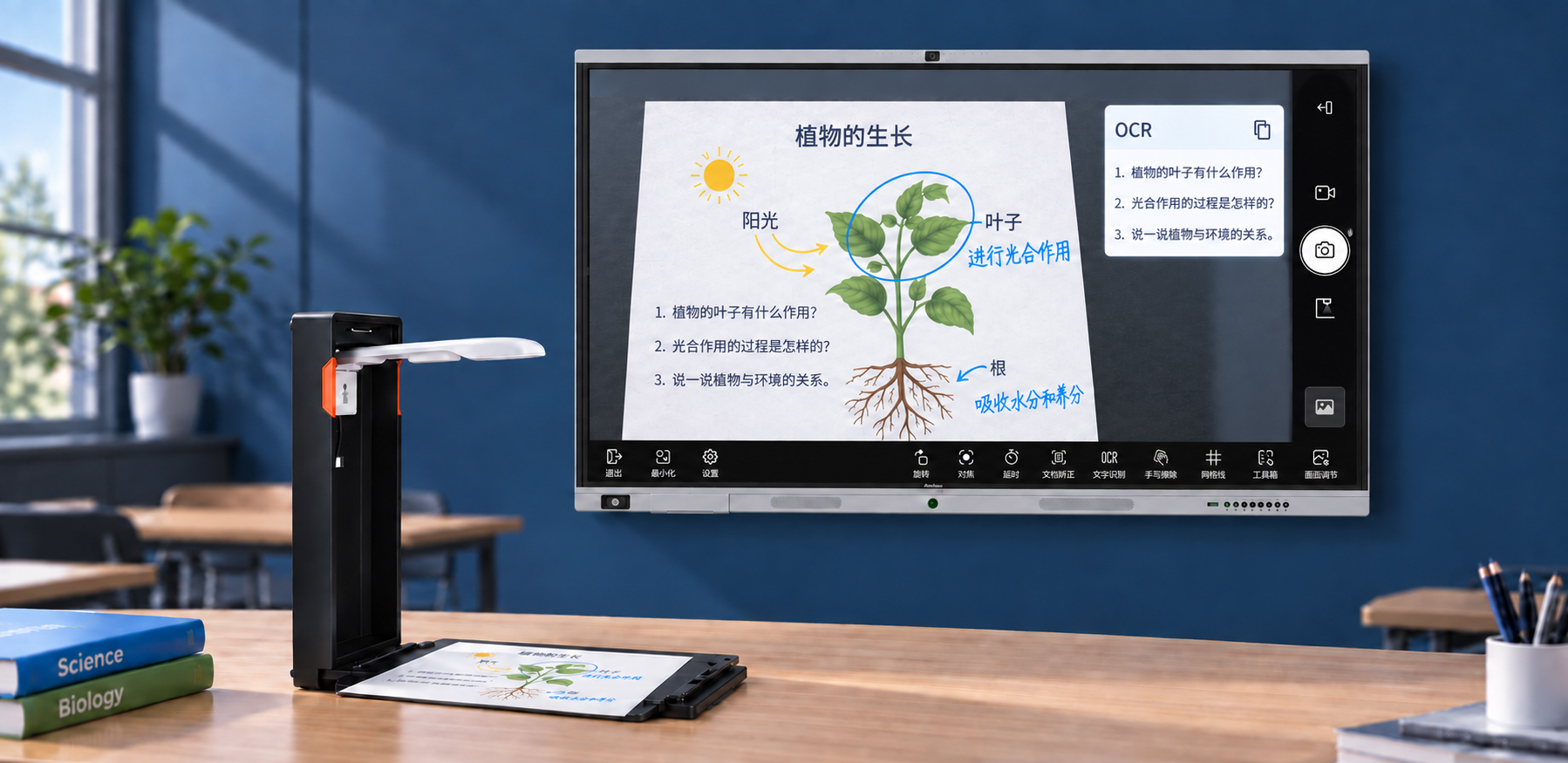
Turn camera and document-camera images into teaching content for AI recognition, Q&A, text extraction and comparison.

Visual Capture

AI Image Recognition

OCR Text Extraction

Side-by-side Visual Teaching

Ola Teacher

AI Assistant

Unify AI-powered Q&A, content generation, material processing and teaching tools in one place.

AI Task Hub

Teaching Content Generation

Material Analysis & Processing

Teaching Tool Access

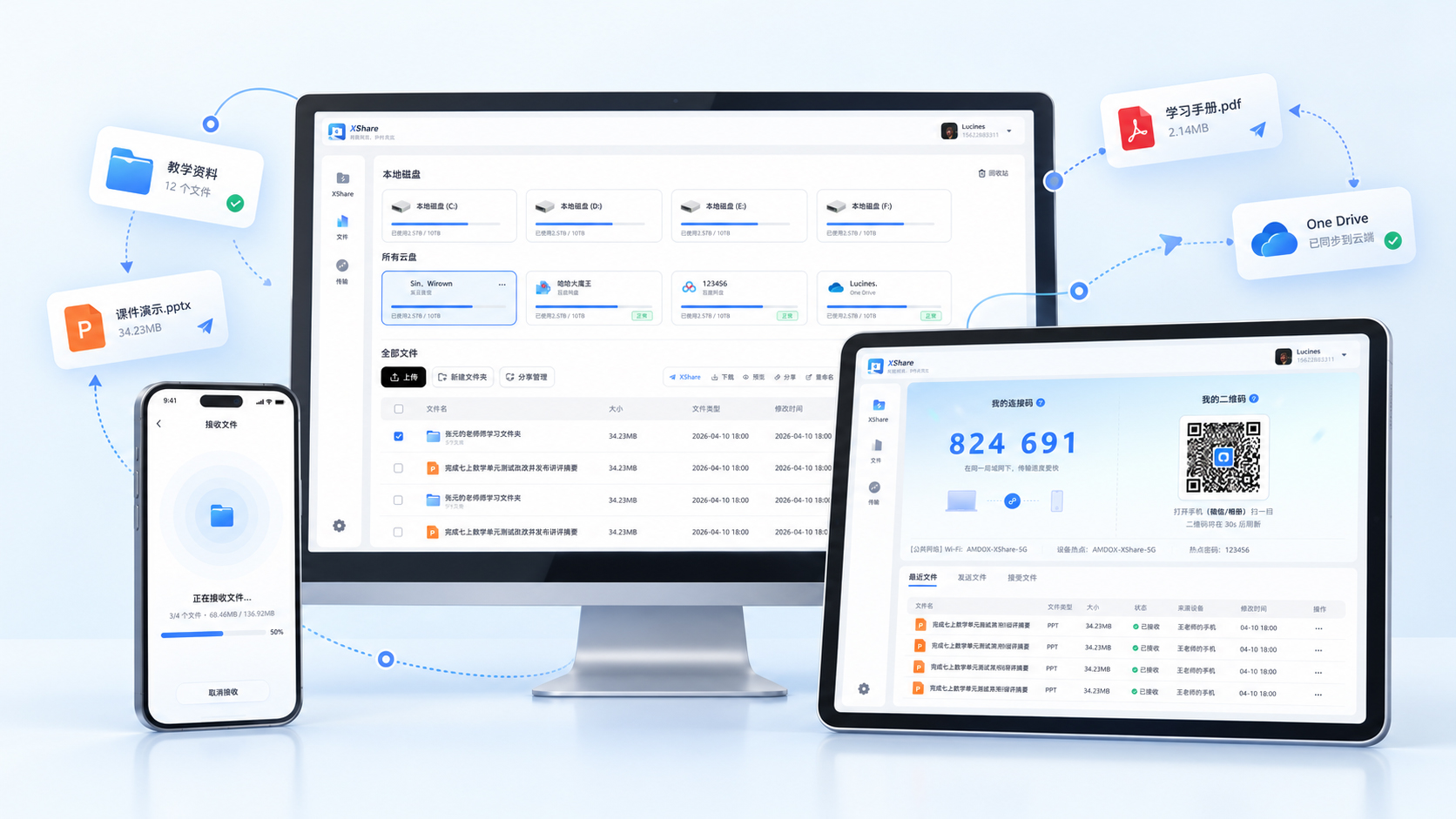
XShare

Fast File Sharing

Quickly share teaching materials and student work across devices to keep lessons moving.

Fast File Transfer

Cross-device Sharing

Resource Sharing

Share Student Work

XClass

Interactive Classroom

Support in-person, remote and hybrid teaching with live interaction, intelligent recording and post-class resources.

Live Audio & Video

Interaction

Recording

AI Captions & Lesson Summaries

Lesson Playback

LMS

Learning Management

Teach with presentations, interactive writing, classroom tools, multitasking and AI assistance in one place.

Course Management

Online School

Smart Assignments

Learning Analytics

DMS

Unified Device Management

Teach with presentations, interactive writing, classroom tools, multitasking and AI assistance in one place.

Status Monitoring

Remote Management

Issue Alerts

Security Policies

Simpler Teaching, Learning and Management.

Teachers: Focus on Teaching

Keep everyday tools together, switch less between devices and apps, and focus more on teaching.

Students: More Active Learning

Engage learners through interactive presentations, shared content and collaborative classroom activities.

IT Teams: Easier Maintenance

Standardize hardware and software across classrooms for consistent setups and simpler maintenance.

Schools: Ready to Scale

Standardize different learning spaces with smart classroom configurations you can replicate, expand and upgrade.

Support from Planning to Ongoing Care

Consultation | Deployment | Training | After-sales Support

Service Subscriptions

Choose software, AI and cloud subscriptions to fit your school, with flexibility to expand and upgrade.

EDU Box Subscription

$179

/yr

Software Updates

Get the latest features and security updates.

AI Capabilities

Enhance everyday teaching & creativity.

Cloud Resources

Access cloud-based teaching resources.

Put Learning at the Heart of Technology

Share your classroom setup and teaching needs. Amdox will recommend an EDU Box configuration, software package and deployment plan.

FAQ

Why add EDU Box if our school already has displays and teaching devices?

Even when hardware works well, fragmented apps and limited AI can complicate teaching and maintenance. EDU Box unifies software, AI and management without rebuilding classrooms, helping schools get more from existing equipment.

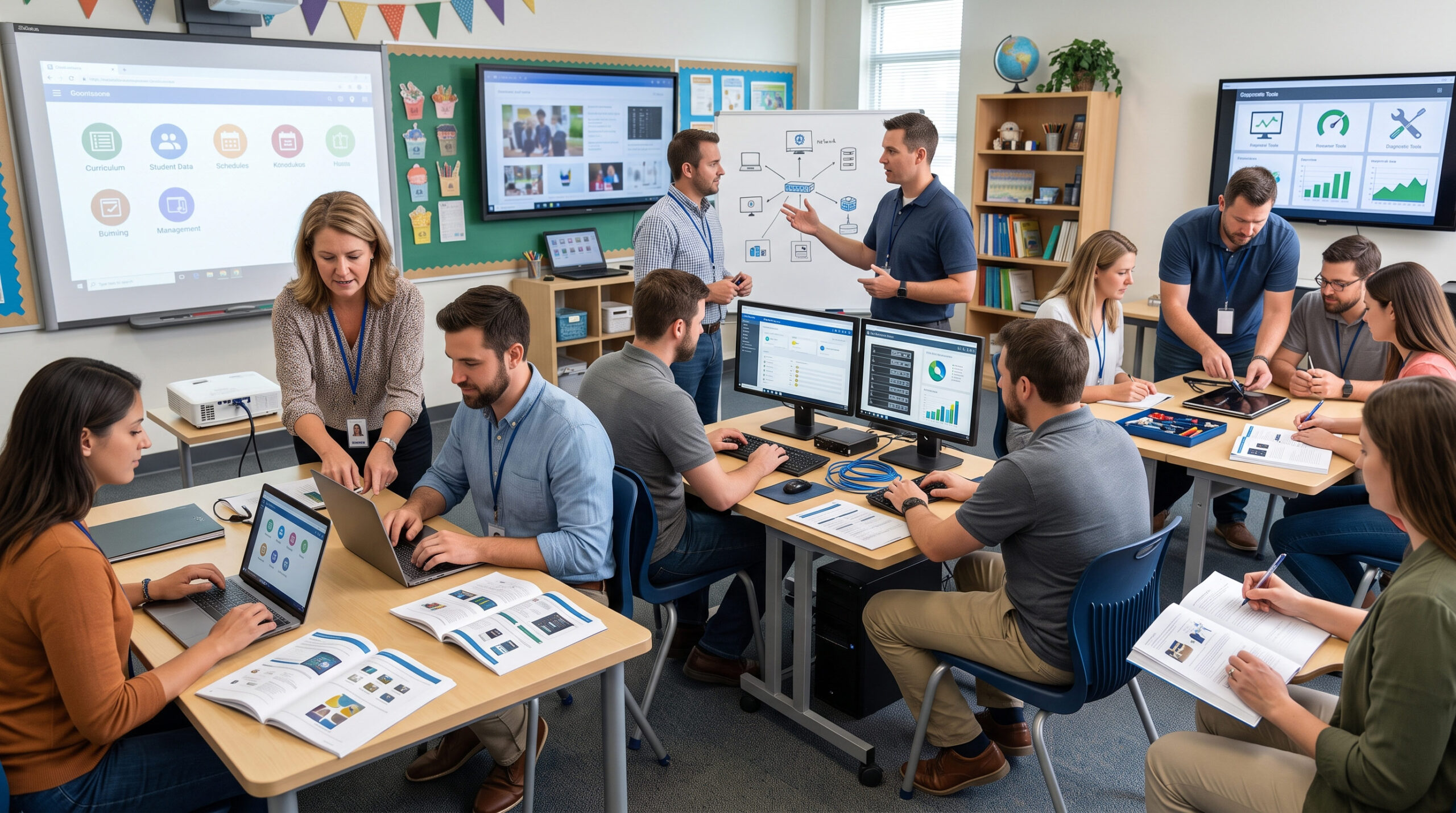
Standardize teaching software, AI, device connections and maintenance from the planning stage. Launch consistent classrooms that are easier to replicate, manage and upgrade.

Teachers use whiteboard tools, AI, visual capture, file sharing and recording in one environment. Less app and device switching means a familiar workflow across classrooms.

Centrally monitor EDU Box and apps, deploy updates, set policies and troubleshoot. Manage displays and projectors together to reduce room-by-room maintenance and repeated setup.

Search anything