
AI READY
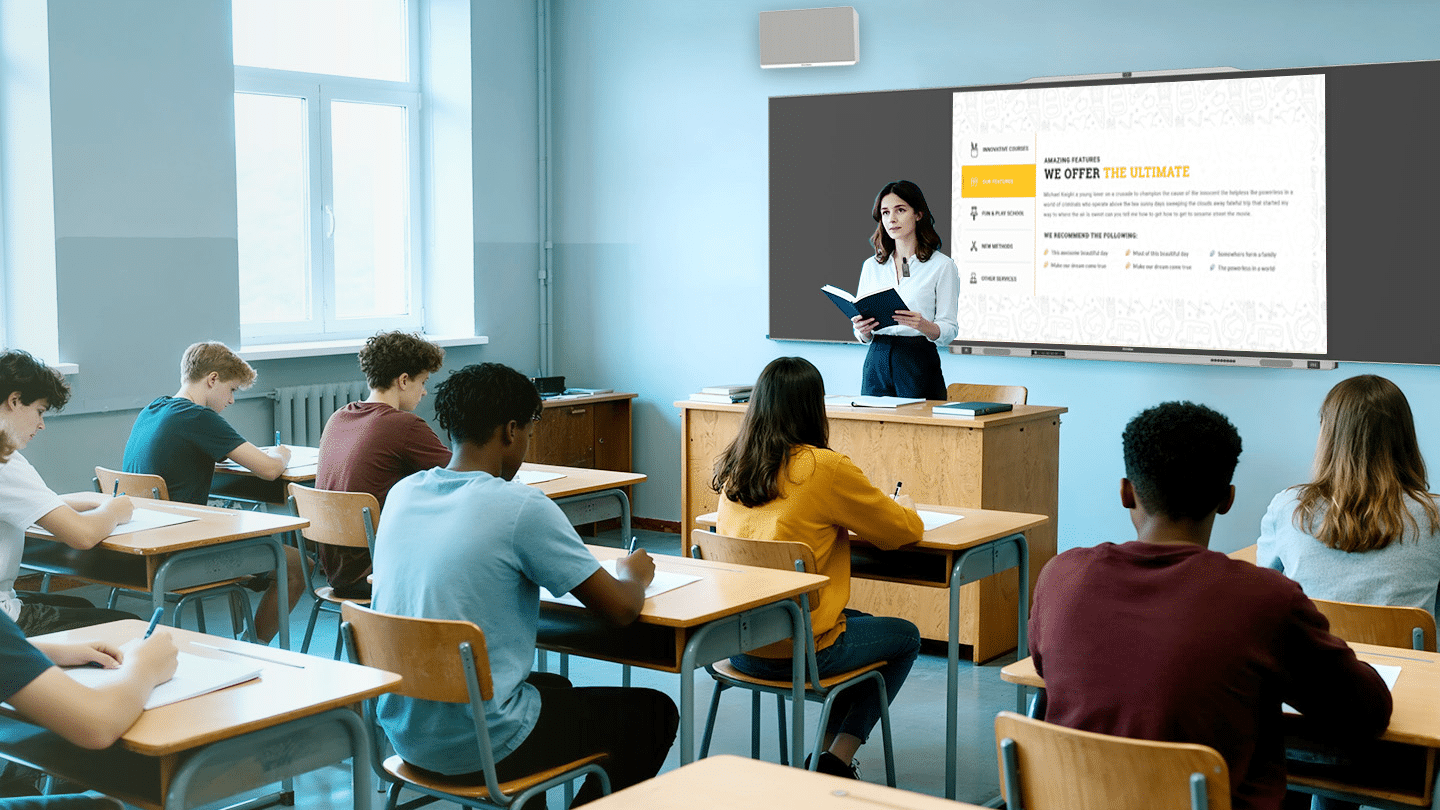
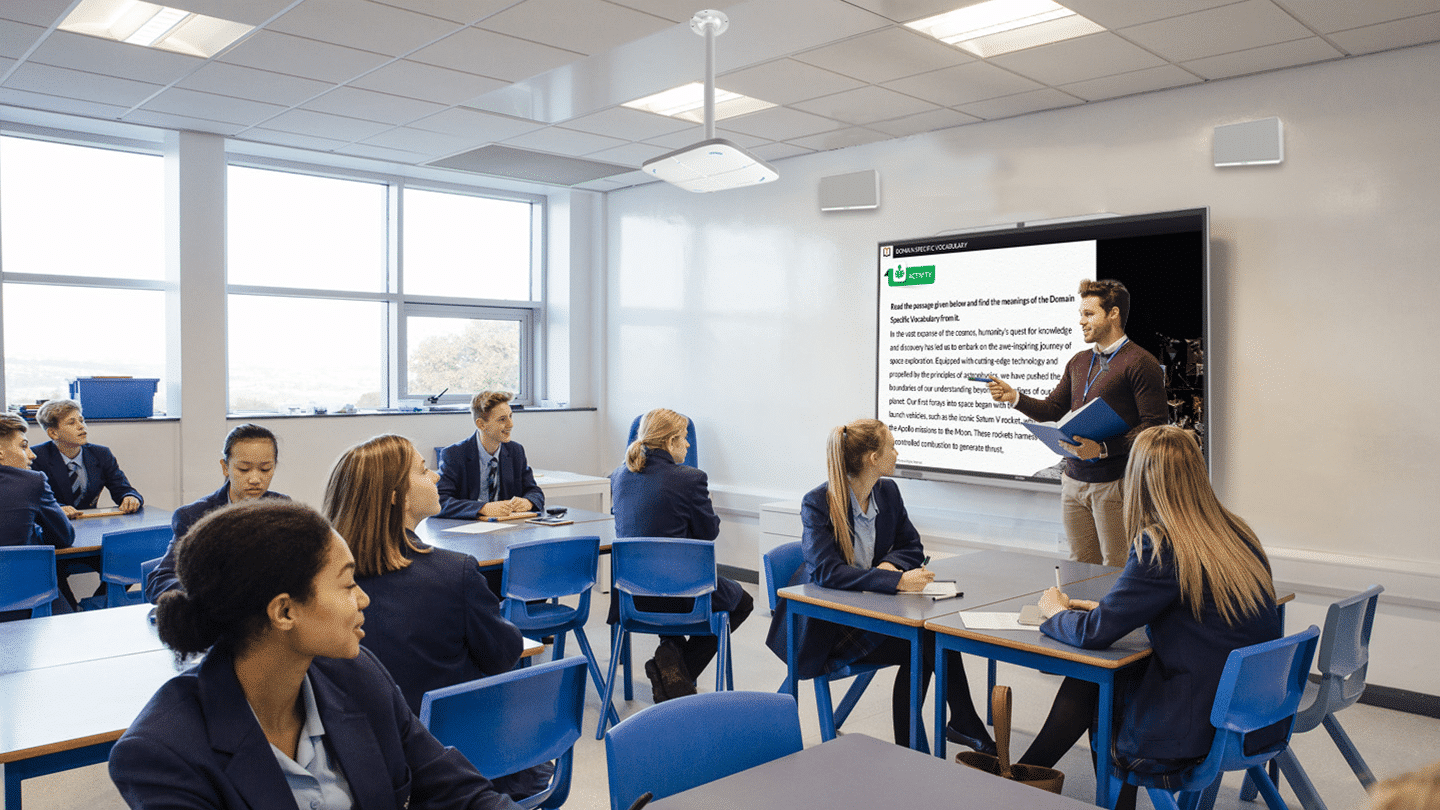
Sound Reinforcement Classroom
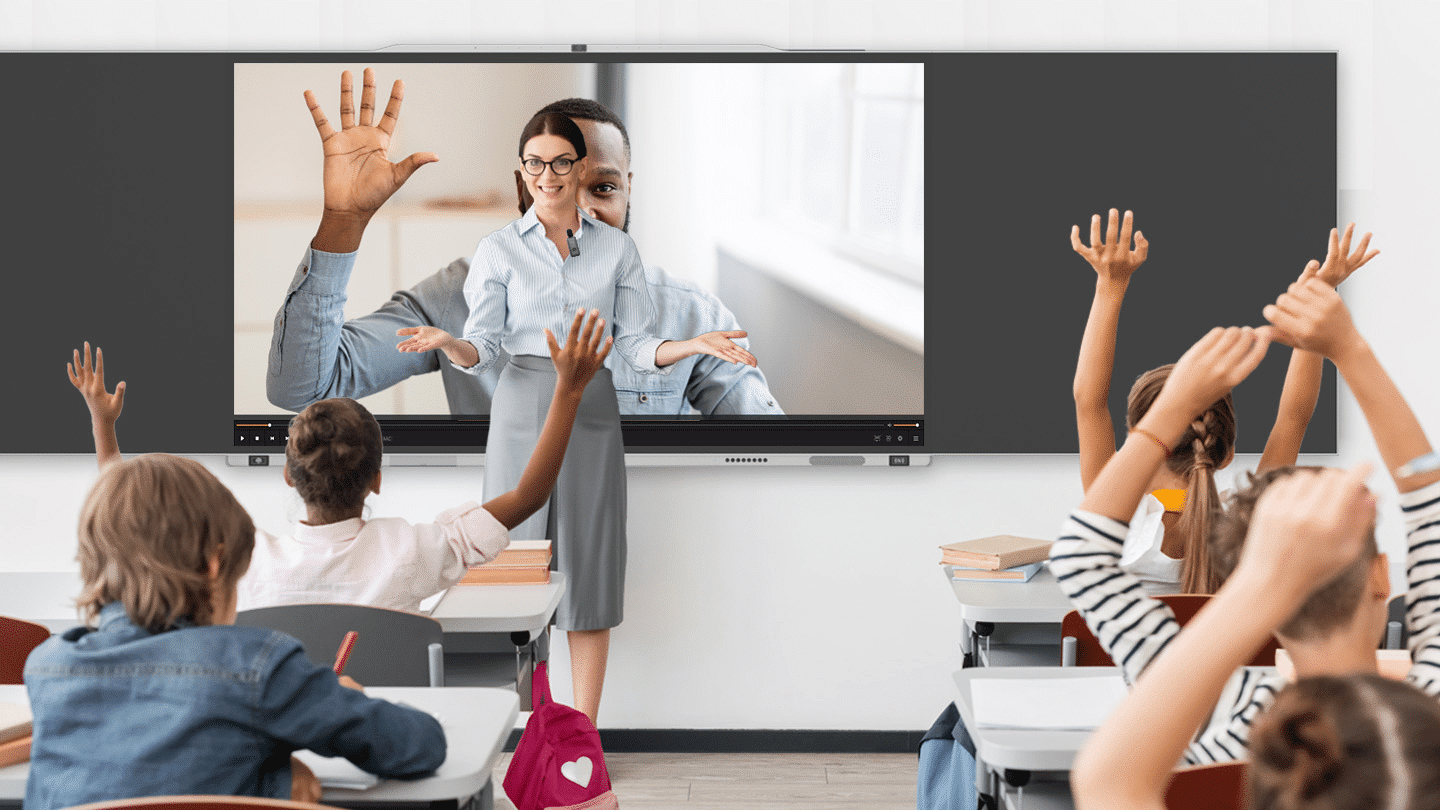
Touch‑free audio capture delivers high‑quality recording without environmental or hardware constraints.
HD recording
Real-time interaction
Cloud storage
Intelligent analysis
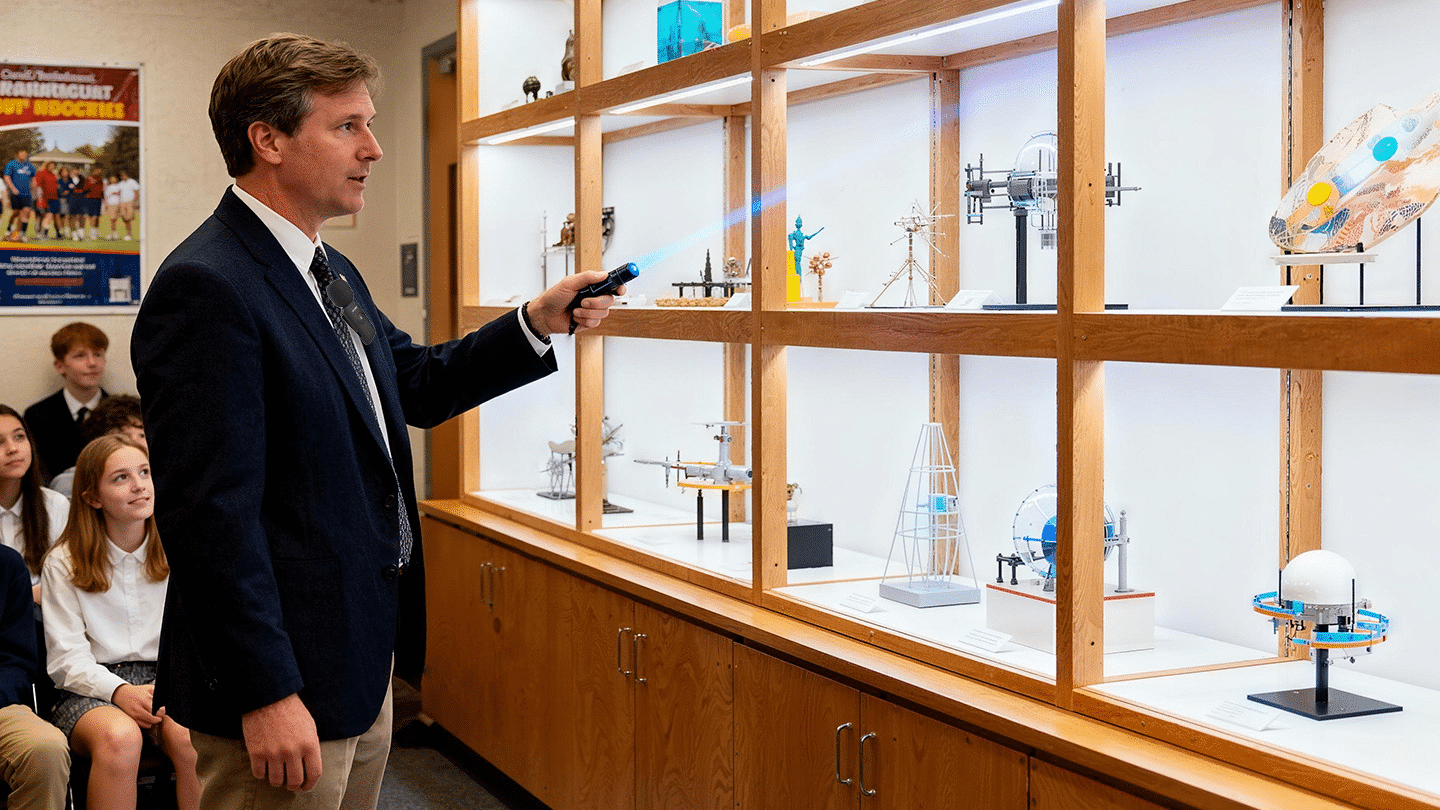
Campus Exhibition Hall
Docents can point to exhibits and interact freely without handheld mics—presenting more professionally.
For group discussions and debates with multiple teams speaking at once, the system must pinpoint and capture each speaker to prevent crosstalk.
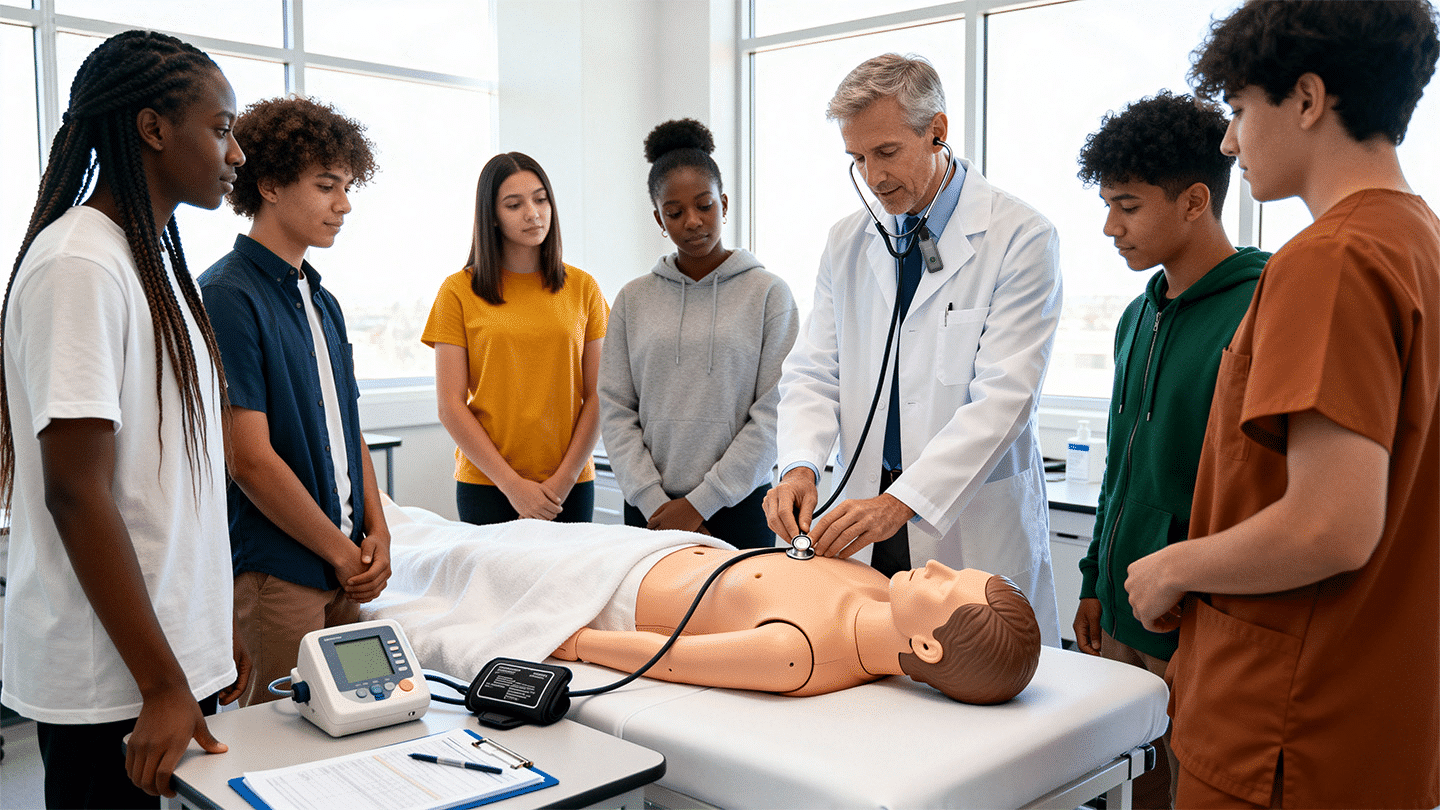
For surgical demonstrations and case conferences in sterile settings. Expert commentary and on‑site exchanges are captured in high quality for medical education and scholarship.
Related Hardware
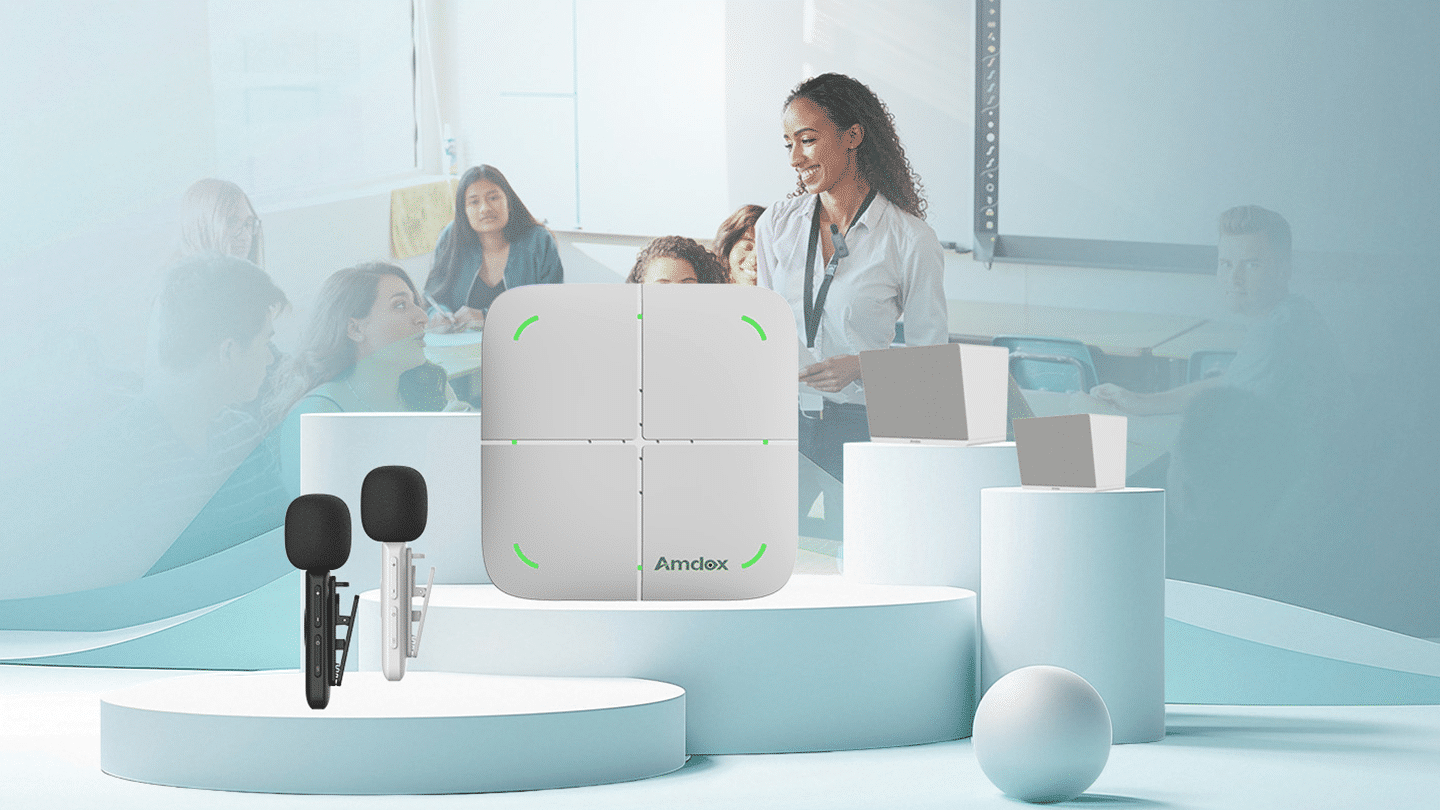
Complete Hardware Package for Recording Classrooms

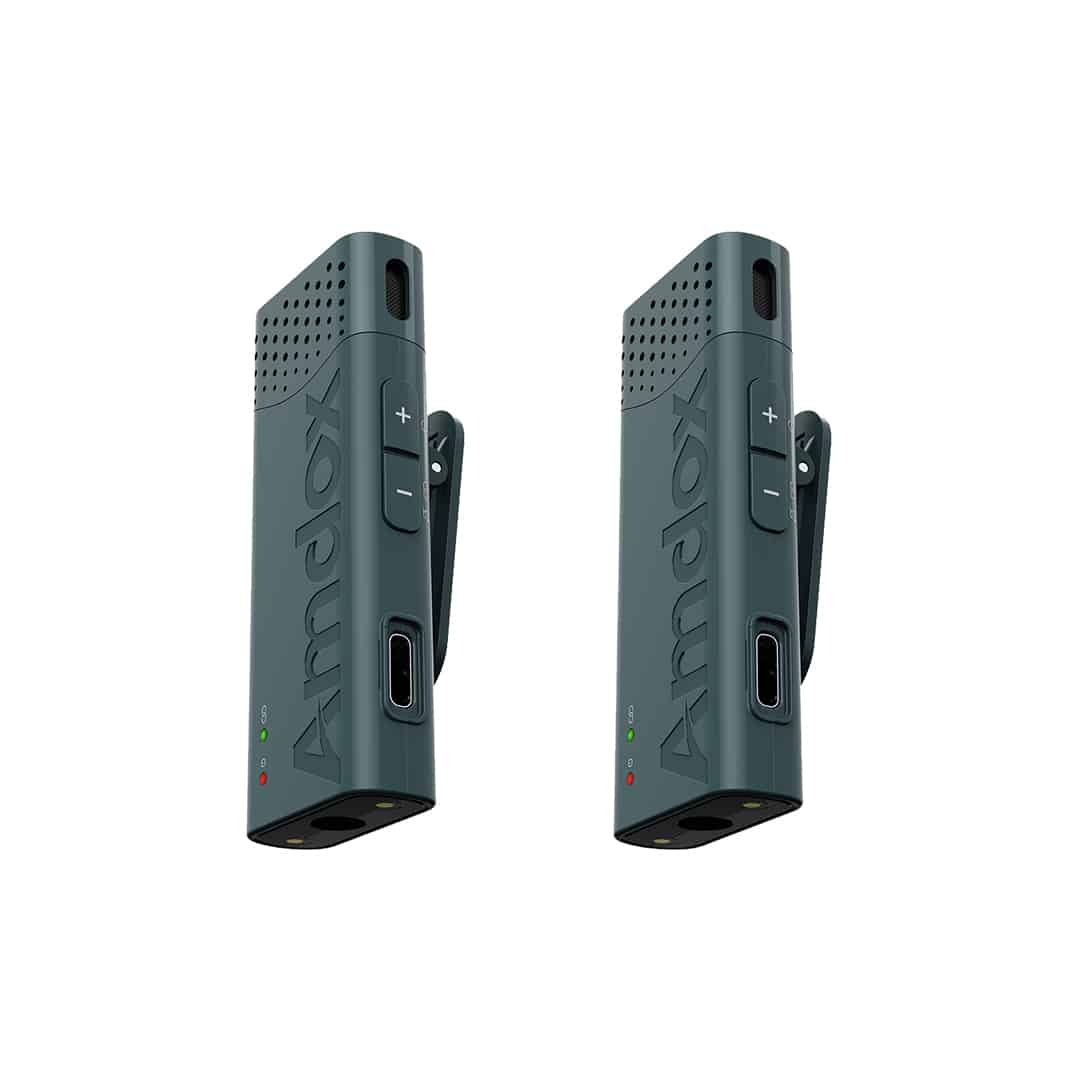
Lavalier Microphone
AI intelligent noise reduction, long battery life, infrared pairing for instant pairing.
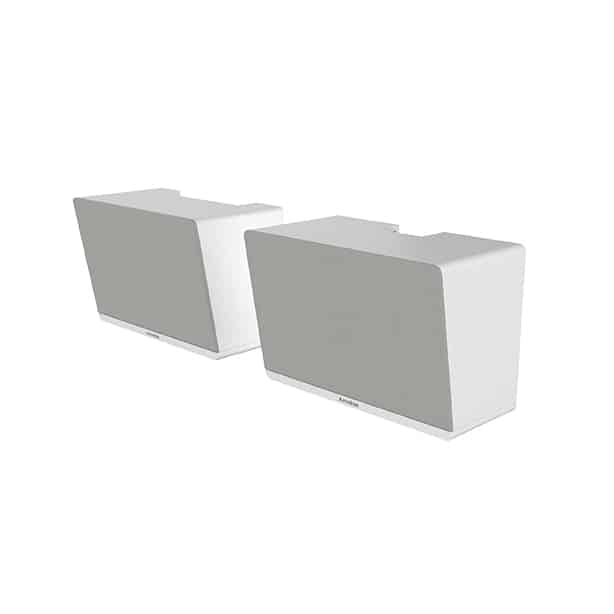
Speakers
Built-in 4-MIC AI array, high signal-to-noise ratio, low distortion, and Bluetooth 5.0 with A2DP support.

Array Microphones
AI omnidirectional microphones, 360-degree sound pickup, intelligent noise reduction, clear sound.
Solution Benefits
Wireless Amplification for Teaching
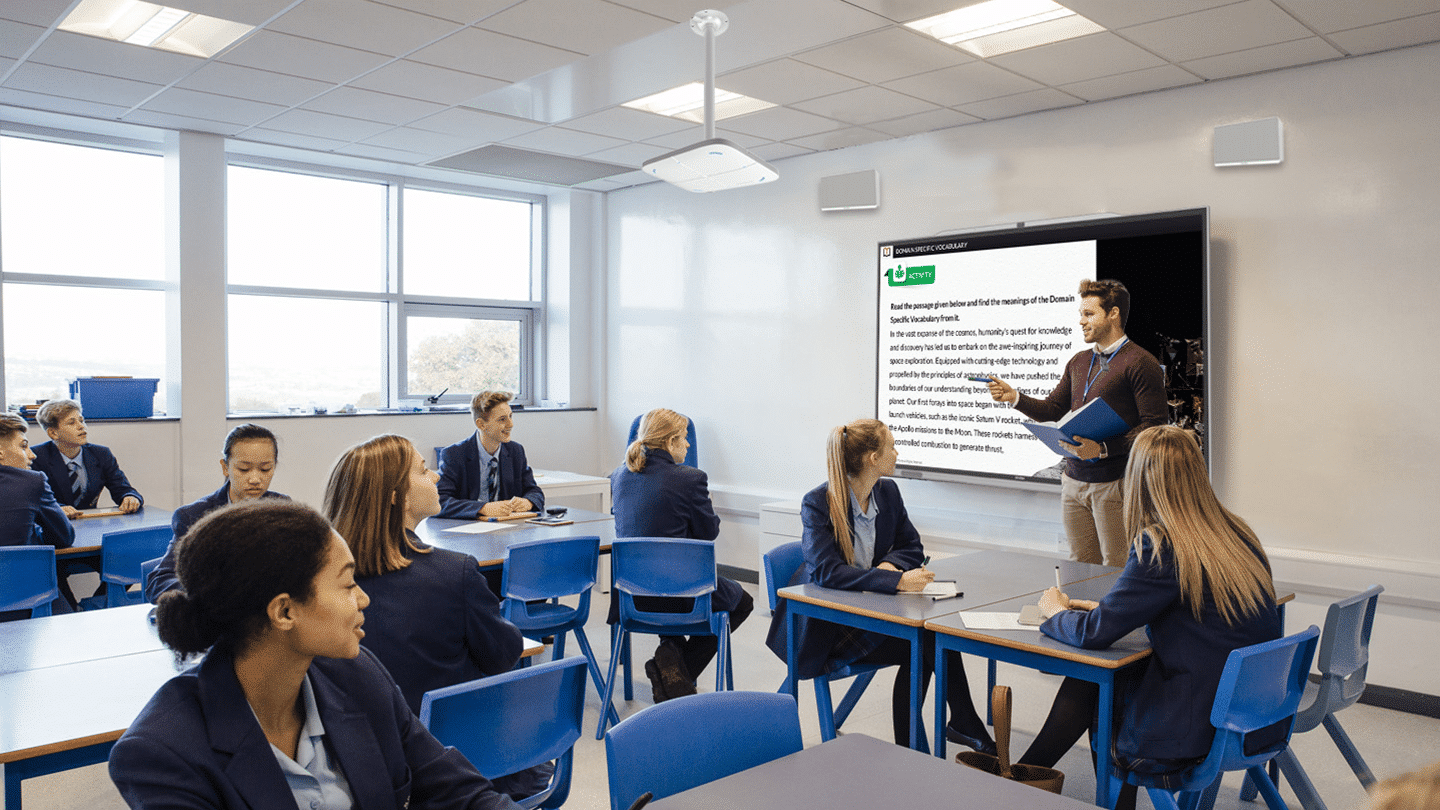
A lapel mic with dual‑mic mixing frees teachers’ hands and lets them move freely while staying clear—improving delivery and interaction.
Integrated Applications
Works with major video platforms for hybrid teaching; integrates with surveillance and capture systems for audio pickup.
Interactive Smart Teaching
Enables interactive reinforcement within the room and live, cross‑room amplified interaction.
Exceptional Audio Quality
Linear‑array microphones with beamforming focus like a spotlight, isolating the target voice and suppressing ambient noise—AC hum, keyboard clicks—for clear, pure speech.
Spec Sheet
Contact Us
Schedule a demo to discover how live streaming, lecture recording & playback and devices management come together in one complete solution.
FAQ
What core equipment is required for a recording classroom?
A typical recording classroom includes teacher and student cameras, array microphones, a 4K recording system, speakers, and a recording workstation. We recommend the best configuration based on your classroom size.
Does the system support automatic teacher and student tracking?
Yes. AI automatically tracks the teacher and switches camera views. Student speaking detection is also supported for fully automated lecture recording.
How are recorded lessons stored and managed?
Lessons are saved locally and can be automatically synchronized to the XClass Cloud Platform. Users can replay recordings anytime with search, tagging, and permission control.
Does the solution support live streaming and remote teaching?
Yes. Launch live classes with one click. Remote participants can join online and interact through video, audio, chat, and collaborative whiteboard.
How long does it take to deploy a recording classroom?
Most classrooms can be deployed within 2–3 working days, including installation, system setup, and teacher training.
Can the system integrate with our existing school platforms?
Yes. The platform supports integration with SSO, LMS, campus management systems, and other education platforms through open APIs.